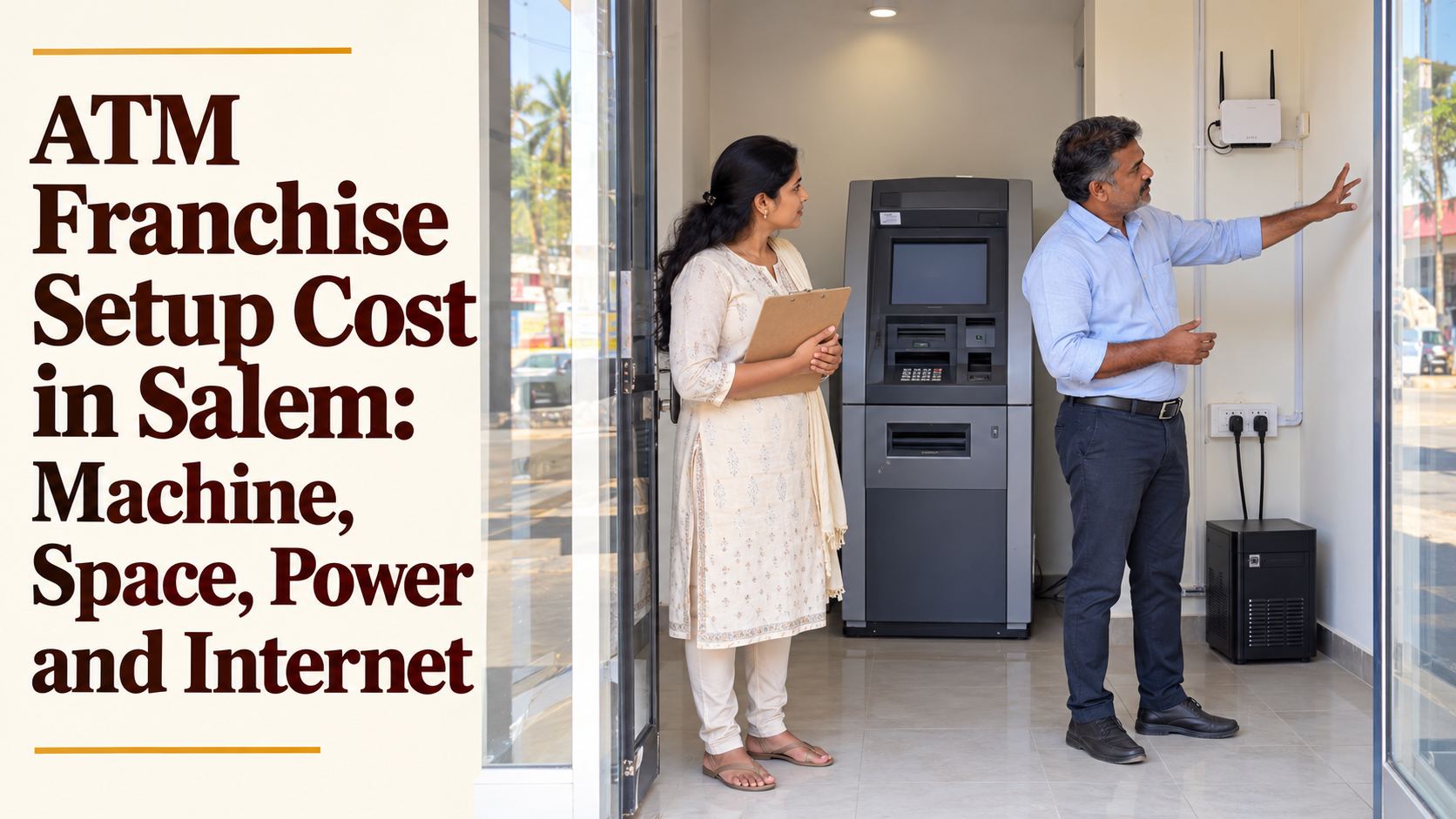
ATM Franchise Setup Cost in Salem: Machine, Space, Power and Internet
The ATM franchise setup cost is the money you spend to turn an empty corner into a working cash kiosk. In Salem and nearby towns, that cost has four parts: the machine plan, the space, the power arrangements and the internet connection. Each part has its own questions, and each can be planned well or badly.
This guide goes through those four parts one by one. It explains what the franchisor provides, what you arrange yourself, what to ask electricians and internet providers, and how to put the whole setup in the right order so the kiosk goes live without delays or surprise bills.
Plan details below are taken from the YoursPay ATM franchise page at the time of writing. They are indicative and can change, so confirm the current terms in writing before you pay anything.
Table of Contents
What Counts as ATM Franchise Setup Cost
People often mix three different kinds of money when they talk about an ATM kiosk. Keeping them apart makes planning far easier.
| Type of money | Examples | When you pay it |
|---|---|---|
| Setup cost | Plan amount, electrical work, UPS, internet installation, space preparation | Once, before the kiosk goes live |
| Refundable deposit | Security deposit listed with the plan | At the start, expected back under the agreement terms |
| Running cost | Rent, electricity bills, internet plan, battery upkeep, cleaning | Every month while the kiosk runs |
This article is about the first row, the ATM franchise setup cost. Running costs matter just as much, but they are a separate budget. Once you know your total setup cost, you know exactly how much cash you need ready before installation day.
Part 1: The Machine and the Plan Amount
The largest single item in your ATM franchise setup cost is the plan amount. YoursPay currently lists two kiosk plans: a withdrawal machine plan with an investment amount of Rs 3,99,999 and a refundable deposit of Rs 1,00,000, and a deposit and withdrawal machine (CDM) plan with an investment amount of Rs 5,50,000 and a refundable deposit of Rs 1,50,000.
According to the same page, YoursPay provides these items as part of the franchise:
- The kiosk ATM machine
- Branding works
- Training and technical support
- Software complaint resolution
- 24 x 7 service
The FAQ on that page also says the investment covers the kiosk, branding, setup and a refundable security deposit. Because the plan table shows the deposit on a separate line, ask the team to explain clearly whether the deposit sits inside the investment amount or is paid in addition. That single answer can change your day-one cash need by a large amount.
Ask for an itemised note of what the plan amount includes. Useful questions are whether delivery to your site and installation are covered, whether the branding includes outside signage, and whether any taxes are included in the quoted figure.
Part 2: The Space and Getting 8 x 8 Sq.ft Ready
YoursPay asks investors to provide a minimum space of 8 x 8 sq.ft in a visible, high-footfall location. How much this part of the ATM franchise setup cost adds depends mainly on whether you already own or rent the space.
If you use your own shop front, your setup cost here may be limited to clearing, cleaning and small repairs. If you rent a new space, you may also need to pay an advance to the owner, which is common for commercial space in Tamil Nadu. That advance is not a franchise cost, but it is cash leaving your hands at the start.
Walk through the space with these points in mind:
- Floor: level, firm and dry, so the machine stands steady and water does not collect during rain.
- Entry: a door or shutter that locks, and an entrance that older users can step into easily.
- Lighting: bright light inside and outside, since many people draw cash in the evening.
- Ventilation: enough airflow so the machine and UPS do not overheat in Salem’s summer.
- Visibility: a clear view from the road, with space above or beside the entrance for branding.
If the space is rented, get the owner’s written consent for branding boards, wiring changes and drilling. Also try to match the lease period to the time you plan to run the kiosk, so you do not face a forced move and a second round of setup cost.
Part 3: Power, Wiring and Earthing
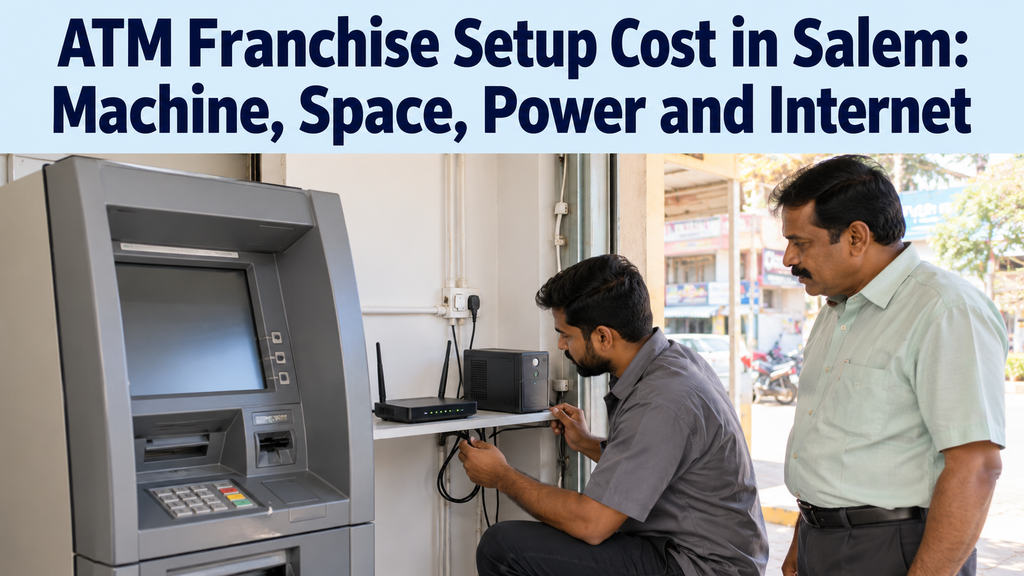
Electricity is listed among the investor responsibilities, and good electrical work is one part of the setup where saving money can backfire. An ATM kiosk with poor wiring or weak earthing is more likely to face faults and downtime.
Before installation, have a qualified electrician check and prepare:
- A dedicated power point for the kiosk, not shared with a fridge, grinder or other heavy appliance.
- Proper earthing, tested and recorded, since sensitive electronics need it.
- A separate switch or breaker for the kiosk circuit so it can be isolated safely during repairs.
- A sub-meter, if possible, so you can see exactly how many units the kiosk and UPS use each month.
- Neat, protected cabling that customers cannot trip over or pull loose.
Ask the franchise team for the machine’s power requirements in writing and share them with your electrician. If you are adding load to an existing shop connection, check with your local electricity office whether any change to the connection is needed. State department links, including those for energy, are available on the Tamil Nadu government portal.
Power Backup: Choosing the Right UPS
A UPS or other power backup is listed as the investor’s responsibility. It is often the most underestimated part of the ATM franchise setup cost, because people buy a unit meant for a home computer and find it cannot carry the kiosk through a real power cut.
Three questions decide the right backup for your spot:
- What load must it carry? Ask for the power rating of the machine and any router or camera you will run on the same backup.
- How long must it last? Note the length and timing of power cuts at your spot for two or three weeks before you buy.
- What type does the machine support? Ask the franchise team which kind of UPS they recommend or require.
Batteries usually form a big part of the backup price, and they wear out over time. Buy from a dealer who gives a proper bill and warranty card, and keep the batteries in a ventilated spot away from direct sun. A good backup protects both your income and the machine.
Part 4: Internet That Stays Connected
An ATM kiosk needs a working internet connection for every transaction. If the connection drops, customers see a failed transaction, and you lose both commission and goodwill. Internet is one of the smaller parts of the ATM franchise setup cost, but it has an outsized effect on daily results.
Plan your connection in this order:
- Ask YoursPay whether the machine needs any specific type of connection or equipment.
- Check which wired broadband providers serve your exact building, not just your area.
- Test mobile data signal inside the kiosk space at different times of day.
- Choose a main connection, usually wired, and consider a mobile data router as a backup.
- Place the router where it is protected, powered through the UPS and easy to restart.
Ask providers about installation charges, the time needed to connect and how quickly they respond to faults in your area. Neighbouring shopkeepers can tell you which provider actually stays up during rain and power cuts.
Safety and Finishing Items
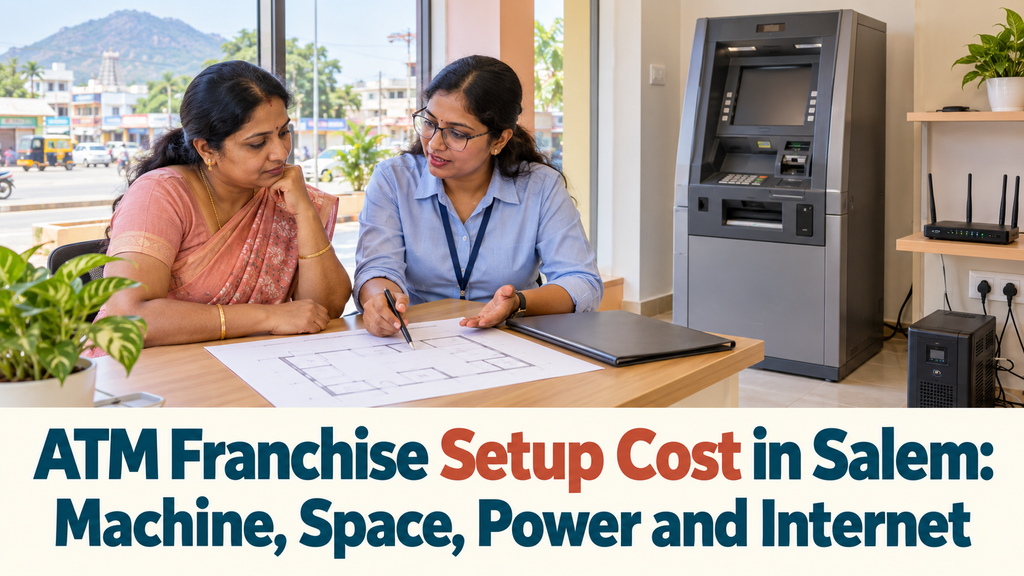
Beyond the four main parts, a few finishing items help your kiosk feel safe and trustworthy. Not all of them are compulsory, so decide based on your location and budget.
- CCTV camera: useful for your own peace of mind and for checking disputes or incidents.
- Outside lighting: a well-lit entrance makes users more comfortable after dark.
- Fire extinguisher: a small unit suitable for electrical fires, placed near the UPS.
- Safety notices: simple reminders not to share a PIN or accept help from strangers.
- Helpline sticker: the support number displayed so users know whom to call about a failed transaction.
- Dustbin and doormat: small items that keep the space clean and presentable.
For the safety notice, you can also mention the national cyber crime reporting portal, where people can report card or online fraud.
An Example Setup Budget Sheet
Say a shop owner in Attur plans to place a withdrawal kiosk in her own shop front. The figures below are assumed purely to show the method. They are not quotes, and your real numbers will depend on your site and suppliers.
| Setup item | Who arranges it | Example figure (assumed) | Note |
|---|---|---|---|
| Plan investment amount | Paid to YoursPay | As per current plan | Confirm what it includes |
| Refundable deposit | Paid to YoursPay | As per current plan | Confirm if extra or included |
| Space clearing and small repairs | Investor | Rs 10,000 | Own shop, so no rent advance |
| Wiring, earthing and breaker | Investor | Rs 8,000 | Qualified electrician |
| UPS with batteries | Investor | Rs 30,000 | Sized to machine rating |
| Internet installation and router | Investor | Rs 3,000 | Plus a backup data router |
| Lighting, CCTV and extinguisher | Investor | Rs 9,000 | Optional items chosen |
In this example, her own setup items add up to Rs 60,000 on top of the plan amount and deposit. Your own list may be shorter or longer. The value of the sheet is that nothing is forgotten, and every figure is replaced with a real quote before you commit.
Keep every bill from these purchases. Business receipts help with your accounts and tax records, and our guide on how to separate business and personal finances explains a simple way to track them.
Does the CDM Kiosk Change Your ATM Franchise Setup Cost?
The deposit and withdrawal kiosk has a higher plan amount and a larger refundable deposit than the withdrawal kiosk. Beyond that, your own setup items may or may not change, and it is worth asking before you choose.
Put these questions to the franchise team when comparing the two plans:
- Does the CDM kiosk need more floor space or a different position within the 8 x 8 sq.ft area?
- Does it draw more power, and does that change the size of UPS you should buy?
- Does it need to be fixed to the floor or wall in a particular way?
- Are there any extra security steps expected at a site that accepts cash deposits?
If the answers mean a bigger UPS or more civil work, add those figures to your budget sheet. Comparing the two plans on the full ATM franchise setup cost, not just the plan amount, gives you a fairer picture of what each option really asks from you.
Questions to Ask Each Supplier
Most of your own setup spending goes to four people: the space owner, the electrician, the UPS dealer and the internet provider. Asking each of them the right questions before you pay saves money and delays later.
| Supplier | Questions worth asking |
|---|---|
| Space owner | Is branding allowed outside? Can wiring be changed? How long is the lease, and how are rent increases decided? |
| Electrician | Is the earthing adequate? Is a dedicated circuit and breaker possible? Can a sub-meter be fitted? |
| UPS dealer | Which model suits the machine rating? What backup time will it give? What is the battery warranty? |
| Internet provider | Is wired broadband available in this building? How long will installation take? How fast are faults fixed? |
Write the answers down with the date and the name of the person you spoke to. If a supplier cannot answer clearly, treat that as a reason to get another quote.
Setup Timeline: From Site Survey to Go-Live
The YoursPay page describes four stages: enquire, site survey, agreement and setup, and go live. Your own setup tasks fit around those stages. Doing them in the right order avoids paying for work twice.
| Stage | Your setup tasks |
|---|---|
| Enquire | Share your location details and ask for the plan terms and machine power requirements |
| Site survey | Show the exact spot, ask where the machine, UPS and router should sit |
| Before agreement | Collect quotes for electrical work, UPS and internet; clear the space |
| Agreement and setup | Complete wiring and earthing first, then UPS, then internet |
| Installation and branding | Be present, check the machine placement and signage position |
| Go live | Test a few transactions, note support numbers, start your daily checklist |
Book the electrician and internet provider early. Waiting for a broadband connection after the machine arrives is an easy way to leave a new kiosk sitting idle in its first weeks.
How to Keep Setup Cost Sensible Without Cutting Corners
Trimming your ATM franchise setup cost is good, but only where it does not weaken the ATM kiosk. Here is where you can save and where you should not.
Places where careful saving is reasonable:
- Using existing shop space instead of renting a new room.
- Collecting two or three quotes for each item before choosing.
- Reusing sound existing wiring after an electrician has tested it.
- Choosing simple, bright lighting instead of decorative fittings.
Places where cutting corners usually costs more later:
- Earthing and the dedicated power point.
- The size and quality of the UPS and batteries.
- The reliability of the internet connection.
- A lockable, weather-safe entrance.
For a broader list of things to check before investing, see our guide on the smart checks before you invest in an ATM franchise.
Frequently Asked Questions
What is included in the ATM franchise setup cost?
It includes the plan amount paid to the franchisor plus the items you arrange yourself: space preparation, electrical work, UPS backup, internet and finishing items such as lighting.
Does YoursPay provide the ATM machine?
Yes. The YoursPay page lists the kiosk ATM machine, branding works, training and technical support, software complaint resolution and 24 x 7 service among the items it provides.
Who pays for the UPS and internet?
The investor. The YoursPay page lists UPS or power backup, internet connection, electricity and setup maintenance support as investor responsibilities.
How much space is needed for the kiosk?
A minimum of 8 x 8 sq.ft, according to the YoursPay page, in a visible location with good footfall.
Can I use my existing shop to reduce the ATM franchise setup cost?
Often, yes. Using your own space avoids a rent advance, but it must still meet the space, power and internet needs and pass the site survey.
How long does setup take?
It depends on site preparation and how quickly your electrician and internet provider finish their work. Booking them early is the easiest way to avoid delays.
Ready to plan your ATM kiosk? Share your location on the YoursPay ATM franchise page or contact YoursPay to request a site survey and the latest plan terms.
This article is general information, not financial advice. Plan amounts and deposits are taken from the YoursPay website at the time of writing and may change, and the example budget uses assumed figures only. Please confirm current terms and get local quotes before you invest.