Bill Payment Services in Salem: 8 Essential Checks
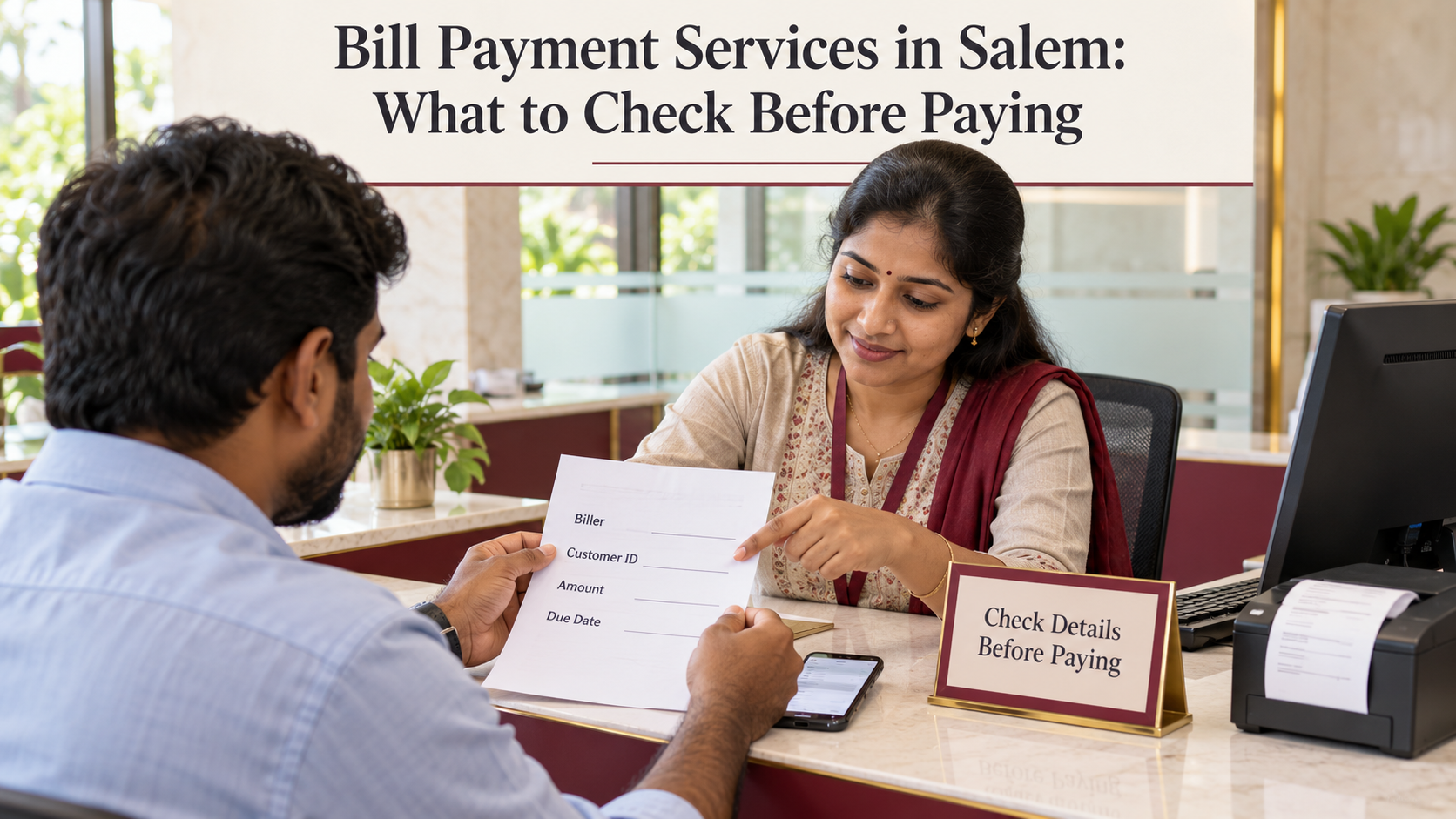
Bill Payment Services in Salem: What to Check Before Paying
Bill payment services in Salem can help you manage electricity, mobile, broadband, and other recurring payments through an app or an assisted payment counter. Before paying, however, it is worth checking more than the amount on the screen.
A wrong consumer number can direct a payment to another account. An unexplained charge can increase the total. A transaction marked “pending” may leave you unsure whether the bill has been paid.
A few checks can prevent confusion and make it easier to resolve a problem later.
Whether you are paying a household bill or managing several shop accounts, use the following checklist before authorising the transaction.
What Are Bill Payment Services?
Bill payment services allow customers to pay supported billers through a payment platform or collection outlet.
Depending on the provider and available billers, services may include electricity, gas, water, broadband, mobile postpaid, and other payments. Prepaid mobile and DTH recharges may also be available, but these require different checks from paying an outstanding bill.
Bharat Connect, associated with the Bharat Bill Payment System or BBPS, supports bill payments through participating digital and physical channels. You can find information about the network on the official Bharat Connect website.
Availability depends on the specific biller and channel. A counter offering electricity payments does not necessarily support every utility, account type, or payment method.
1. Confirm the Biller and Consumer Number
Start with the latest bill or the provider’s official account information.
Check:
- The biller’s name.
- Your consumer, customer, or service number.
- The billing period.
- The customer name, where displayed.
- The service address or other identifying details, where available.
Read the number carefully before the operator submits the payment. Pay particular attention when you have separate connections for your home and shop.
A saved account can make repeat payments convenient, but it still needs checking. You may have moved premises, changed providers, or saved a family member’s account previously.
What if the customer name looks unfamiliar?
Pause the payment.
Check whether the connection is registered in a landlord’s or another family member’s name. Match the remaining details against a genuine bill.
If the information still does not match, contact the biller using an independently verified support channel. Avoid paying on the assumption that the number is probably correct.
2. Check the Amount, Billing Period, and Due Date
The amount you remember from last month may differ from the amount currently due.
Review the bill breakdown, including any previous balance, adjustment, or late charge. If the amount seems unusually high, compare it with the biller’s own records before proceeding.
Ask these questions:
| Question | Why it matters |
|---|---|
| Is this the latest bill? | An old bill may show an outdated amount |
| Does the amount include previous dues? | Paying only the current charge may leave an outstanding balance |
| Has someone already paid it? | Another family member or employee may have completed payment |
| Is an automatic payment scheduled? | A manual payment could create a duplicate |
| Is part-payment accepted? | Some billers require payment under specific conditions |
| What is the due date? | A payment made too late may not prevent applicable late consequences |
Try to pay before the final day when possible. A technical problem close to the deadline leaves less time to get help.
If your bill is already overdue, check the current payable amount and the biller’s instructions. Do not assume an older screenshot still shows the correct total.
3. Verify the Payment Channel
Before using bill payment services in Salem, identify who will process your payment and who will help if something goes wrong.
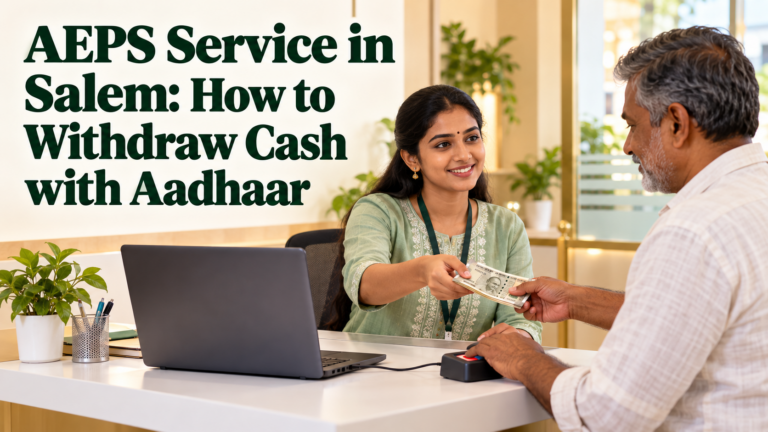
At an assisted counter, ask for:
- The payment platform or service provider’s name.
- The outlet or agent identification, where applicable.
- Confirmation that your biller is supported.
- The type of receipt you will receive.
- An official support or complaint channel.
A logo on a signboard alone does not prove an outlet’s current authorisation. Verify the claimed association through the relevant provider when uncertain.
For online payments, open the biller’s official website or a trusted payment app yourself. Avoid starting from an unexpected message containing an urgent payment link.
You can review YoursPay’s BBPS and retailer service information to understand its advertised offering. Before visiting, confirm the supported biller, available outlet, payment method, and applicable charges.
Paying a retailer is not the same as confirming bill payment
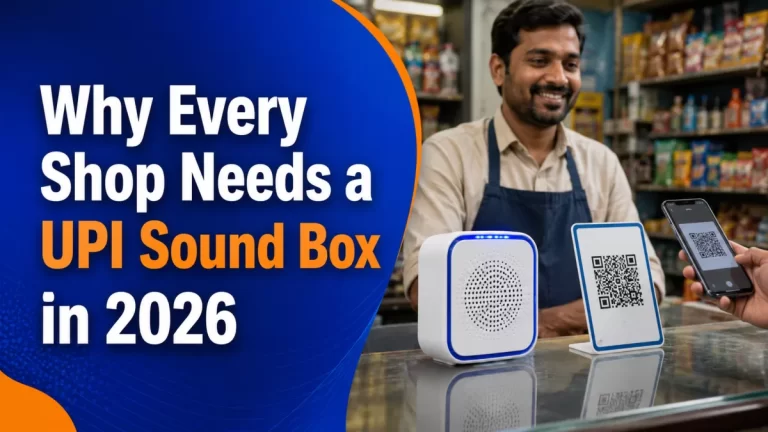
If you transfer money to a counter operator’s QR code, that transfer confirms money was sent to the operator’s account. You still need the separate bill-payment confirmation showing that the intended bill was processed.
Ask the operator to explain both steps and retain the relevant references.
4. Ask About Charges Before Handing Over Money
Do not assume every channel has the same charges.
Ask the provider to show the bill amount, any applicable fee, and the total you must pay before the transaction begins.
| Item | What to confirm |
|---|---|
| Bill amount | Matches the bill or correctly fetched amount |
| Additional charge | Explained and permitted under the relevant provider’s terms |
| Applicable tax on a fee | Included or shown separately, where relevant |
| Total payment | Agreed before authorisation |
| Receipt | Records the payment and any separately collected fee |
If the explanation is unclear, ask for the applicable fee schedule or choose another verified payment channel.
Do not assume a fee is valid simply because it is described as a “processing charge.” Equally, do not assume a payment is free without checking the terms.
For cashback or promotional offers, read the eligibility conditions. Cashback expected later does not reduce the amount currently required to settle the bill.
5. Protect Your PIN, OTP, and Phone
A counter operator may help you select a biller or enter a consumer number. Your private payment credentials should remain under your control.
Do not disclose your UPI PIN, card PIN, banking password, or transaction OTP to the operator or someone calling as “support.” Enter any required authentication yourself through the genuine payment interface.
NPCI’s fraud-awareness guidance explains that scanning a QR code and entering a UPI PIN is used to make a payment, not to receive money.
Be particularly careful if someone asks you to:
- Enter your UPI PIN to receive a refund.
- Scan a QR code to collect cashback.
- Install an unfamiliar app to resolve a bill.
- Share your screen during a banking transaction.
- Transfer money urgently to avoid immediate disconnection.
Verify an unexpected disconnection message directly with the utility using contact details from its official website or a genuine bill.
If you suspect financial cyber fraud, contact your bank immediately, call 1930, and report it through the National Cyber Crime Reporting Portal. Keep the messages and transaction details as evidence.
6. Collect a Receipt with a Transaction Reference
Do not leave the counter with only a verbal assurance that the payment is complete.
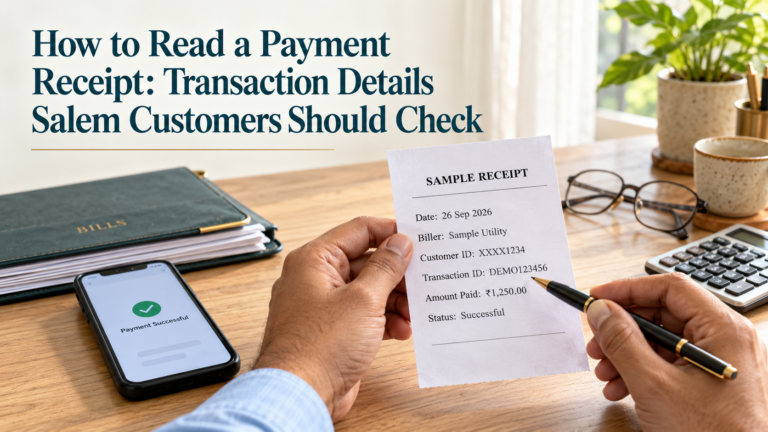
Ask for a printed or digital receipt that lets you identify and trace the transaction.
Look for:
- Biller name.
- Consumer or account identifier.
- Amount paid.
- Date and time.
- Transaction reference.
- Payment status.
- Provider or outlet details.
- Applicable fee details, where collected.
Some identifiers may be partly masked for privacy. The receipt should still give you enough information to recognise the account and trace the payment.
A handwritten acknowledgement that cash was received may help document the handover, but it does not replace system confirmation that the bill payment succeeded.
For digital receipts, save a copy somewhere you can find it later. Avoid publishing receipts containing personal details on social media when asking for help.
Keep both references when there are two transactions
If you paid a retailer digitally and the retailer then processed your bill, retain:
- Your transfer reference to the retailer.
- The bill-payment transaction reference.
These records describe different stages and can help support teams locate a problem.
7. Check Whether the Status Is Successful, Pending, or Failed
A bank debit message alone does not establish that the biller has received and applied the payment.
Check the status in the bill-payment system and, when necessary, the biller’s own account records.
| Status | What to do |
|---|---|
| Successful | Save the receipt and confirm the bill account updates within the stated processing period |
| Pending or processing | Check the expected resolution time and avoid paying again without investigating |
| Failed with no debit | Confirm the failure and check the details before retrying |
| Failed but money debited | Raise a support request and track the reversal or refund |
| Successful but bill still unpaid | Contact the payment provider and biller with the transaction reference |
Do not treat “pending” as a confirmed failure.
For example, imagine a Salem shopkeeper pays a broadband bill through a counter. The payment remains pending, so the shopkeeper immediately pays again through another app. If the first transaction later succeeds, there may be a duplicate payment to resolve.
Check the original status before retrying. If the deadline is close, contact the biller and payment provider promptly for guidance rather than waiting without an update.
8. Understand the Complaint and Refund Process
Before choosing a service, ask how you can get help after the payment.
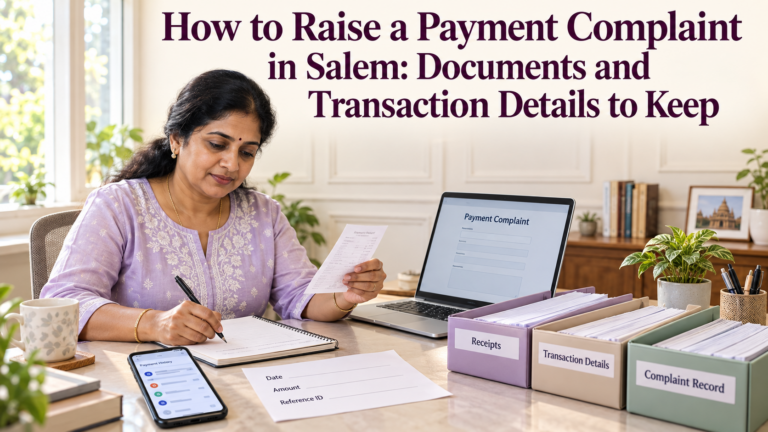
A useful complaint record includes:
| Detail | Example of what to record |
|---|---|
| Issue | Amount debited, but payment marked failed |
| Transaction reference | Reference from the payment receipt |
| Date and amount | Exact transaction details |
| Biller and consumer number | Account the payment was intended for |
| Complaint number | Reference issued by support |
| Expected response date | Timeline given for investigation or resolution |
For a counter payment, contact the outlet and the payment provider identified on the receipt. For an app payment, use the app’s official transaction-support option.
Where the transaction was made through a Bharat Connect-enabled channel, check the Bharat Connect customer complaint route.
For a YoursPay-related service issue, refer to the YoursPay complaint process and retain the acknowledgement.
How long will a refund take?
There is no single timeline that covers every bill-payment problem.
The applicable process depends on the payment method, failure type, bill-payment channel, and whether the biller received the money. Ask for the timeline relevant to your transaction and escalate through official channels if it is exceeded.
If you paid cash at a counter, confirm who will return the money and how. Do not assume a reversal in the operator’s system means the refund has already reached you.
What if you entered the wrong consumer number?
Report it immediately to the payment provider and biller.
Provide the receipt and explain the error. Correction, adjustment, or refund may depend on the transaction status and biller’s process; it is not guaranteed.
Checking the account before paying is much easier than correcting a successful payment afterwards.
Extra Checks for Different Payments
The details required vary by service.
| Payment type | Additional checks |
|---|---|
| Electricity | Service number, billing period, current dues, and any previous balance |
| Water | Correct local body or supplier and connection details |
| Broadband | Provider, customer ID, and current invoice |
| Mobile postpaid | Mobile number, operator, and billing account |
| Prepaid mobile recharge | Number, operator, plan benefits, and validity |
| DTH recharge | Subscriber ID and selected recharge amount or plan |
Paying a postpaid bill and buying a prepaid recharge are different transactions. Ask the operator to read back the selected service before proceeding.
For several household or business accounts, keep a small list with account identifiers and due dates. Avoid storing PINs or passwords alongside it.
A One-Minute Checklist Before Paying
Before authorising a bill payment, confirm:
- The correct biller and consumer number.
- The latest amount and due date.
- Whether the bill has already been paid or scheduled.
- The final total, including any permitted fee.
- The provider’s identity and support route.
- The receipt and transaction reference you will receive.
Afterwards, check the final status and save the receipt.
For information about the services listed by YoursPay, visit its digital services page or contact YoursPay to confirm support for your specific biller in Salem.
Frequently Asked Questions
What should I carry to a bill payment counter in Salem?
Carry the latest bill or correct consumer number and the payment amount. Have access to your phone if needed for payment or confirmation. Ask in advance if the provider requires anything else for that specific service.
Are all bill payment services in Salem free?
Charges depend on the channel, service, payment method, and applicable terms. Ask for the full amount before paying and request a record of any fee.
Is a UPI debit message enough proof that my bill is paid?
It confirms a debit or transfer, but may not establish successful posting to the bill account. Keep the bill-payment receipt and check the final status.
Should I pay again if the first payment is pending?
Check the original transaction with the provider first. A pending payment may later succeed, so an immediate second payment can create a duplicate.
Do I need to share my OTP or UPI PIN with the operator?
No. Keep these private and complete required authentication yourself through the genuine payment interface.
Can I get a refund for a duplicate payment?
It depends on the biller and transaction. The extra amount may be adjusted against a future bill or handled through a refund process. Contact the provider with both payment references and request written guidance.
Can someone else pay my bill?
Often, a supported bill can be paid using the correct account details, subject to the provider’s process. Share the bill information needed for payment, not your banking credentials, and ask for the receipt afterwards.
Service availability, charges, processing times, and complaint procedures vary. Confirm the current terms with the biller and payment provider before paying.