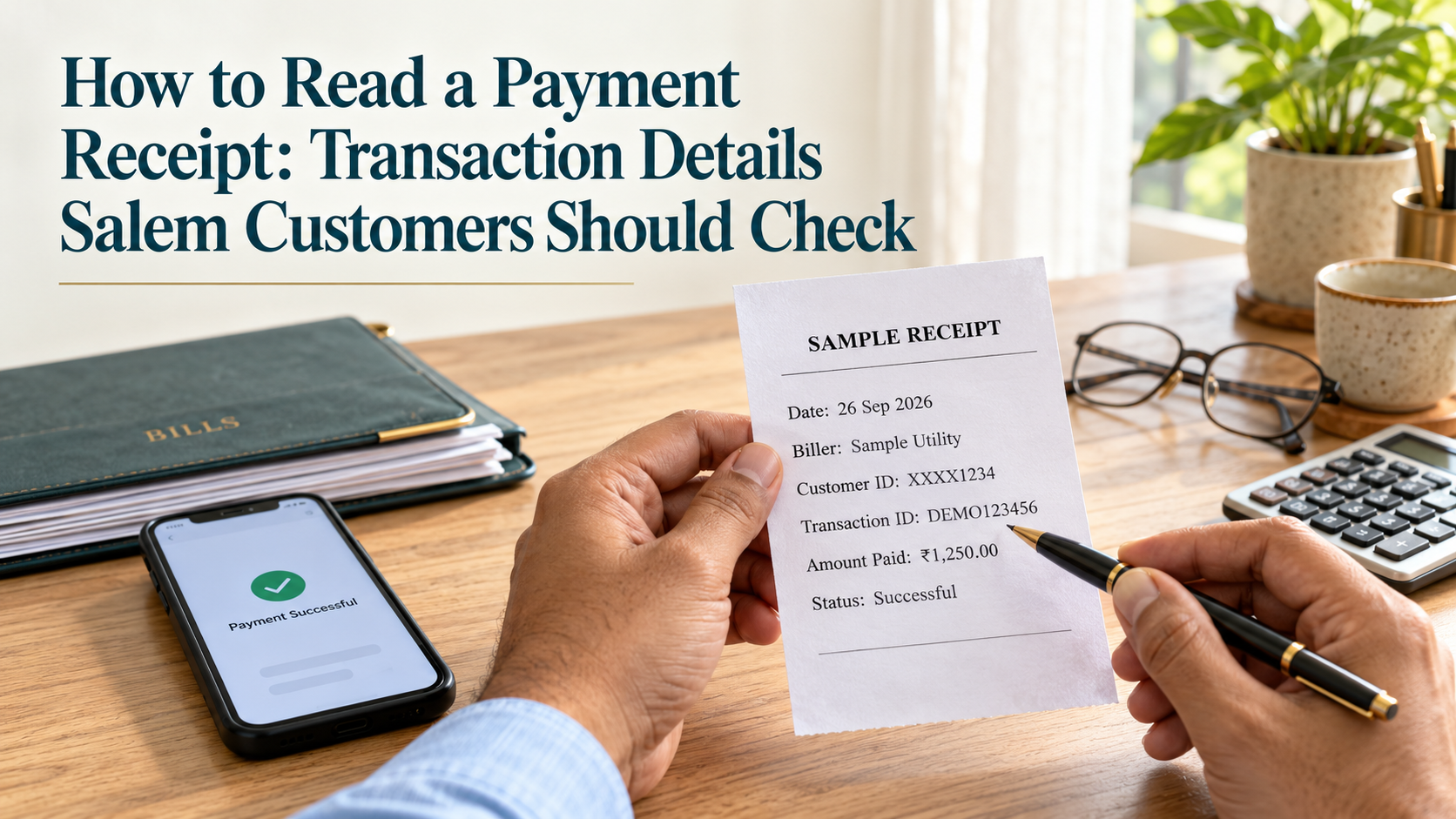
How to Read a Payment Receipt: 8 Essential Checks
How to Read a Payment Receipt: Transaction Details Salem Customers Should Check
Knowing how to read a payment receipt can help you spot an incorrect amount, identify the account you paid, and follow up when a transaction has not completed.
After paying an electricity bill, transferring money, or making a purchase in Salem, it is easy to save the receipt without reading it. Most people check the amount and move on.
However, the transaction status, recipient details, and reference number matter just as much. A receipt may record a successful payment, an instruction still being processed, or money received by an intermediary.
This guide explains the details to check, what common payment terms mean, and what to do when something does not match.
What Does a Payment Receipt Tell You?
A payment receipt records information about a payment or transaction. Depending on the service, it may be printed at a counter, sent by email, or available inside an app.
It commonly shows who issued the receipt, the amount, the date, the recipient or bill account, and a transaction reference.
The exact fields vary. A cash receipt will look different from a UPI confirmation or a utility bill-payment receipt.
Always read the status and description. A document acknowledging that money was collected does not necessarily confirm that the intended biller has applied it to your account.
Receipt, invoice, and account statement: the difference
| Document | What it generally shows |
|---|---|
| Invoice or bill | Goods, services, or charges for which payment is requested |
| Payment receipt | A record of payment received or a transaction processed, subject to its stated status |
| Bank statement | Debits and credits recorded in your bank account |
| Biller account history | Payments and balances recorded against your service account |
For a business purchase, keep the relevant invoice and payment evidence together. A payment-app confirmation may not contain the purchase details needed for your records.
How to Read a Payment Receipt: 8 Details to Check
1. Receipt Issuer and Service Provider
Start at the top of the receipt.
Identify the shop, bank, payment platform, or service provider that issued it. Where relevant, look for the outlet name, merchant identification, or agent details.
Ask yourself:
- Does this match the service I used?
- Can I identify the business that collected my money?
- Is there an official way to contact the provider?
- Does the receipt describe the transaction I requested?
A familiar logo does not independently prove that a receipt is genuine. If you have doubts, verify the transaction through your own app, the bank, or the provider’s official channel.
For information about the services advertised by YoursPay, see its digital services page. Confirm the actual provider, available service, and receipt process before transacting.
2. Date and Time
Check when the payment was made.
The date helps you match the receipt with your bank statement, bill, or purchase. The time is useful when several similar transactions happen on the same day.
Watch for confusing date formats. For example, a date written only in numbers may be interpreted differently depending on the system.
A receipt may also display separate dates for:
- Payment initiation.
- Processing.
- Completion.
- Receipt generation.
If you download a receipt later, the download or printing date may differ from the original payment date. Use the transaction date when explaining a payment issue.
For a time-sensitive bill, also check the biller’s record rather than assuming the receipt’s printing date determines whether payment was received on time.
3. Recipient, Biller, and Account Details
Check where the payment went.
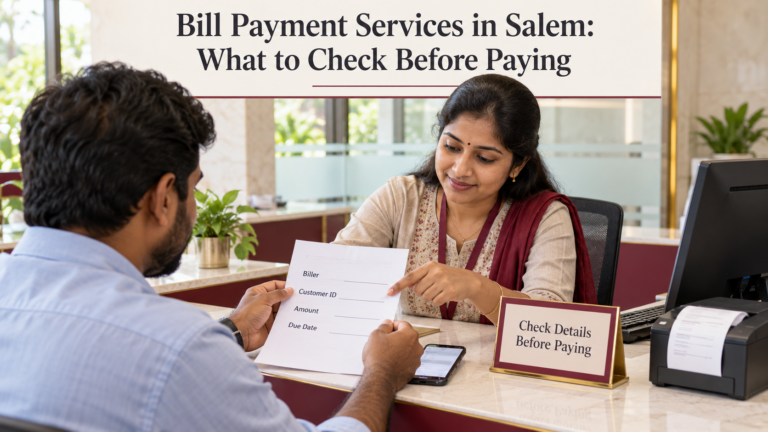
For a utility bill, compare the consumer or service number with the original bill. For a money transfer, check the beneficiary details. For a merchant payment, review the recipient information shown in your payment app.
| Transaction | Details to compare |
|---|---|
| Electricity or water payment | Biller and consumer or connection number |
| Broadband payment | Provider and customer ID |
| Mobile recharge | Mobile number, operator, and selected plan |
| Bank transfer | Beneficiary details and account information shown |
| Shop payment | Merchant or recipient information |
| Loan payment | Lender and loan account reference |
Some account information may be masked. Match the visible details with your own records.
If the recipient name differs from the shop’s trading name, ask the business to explain the relationship. Do not assume that a mismatch is harmless or that it automatically proves fraud.
Report an incorrect account immediately. A successful payment to the wrong destination is not the same as a failed transaction, and recovery is not guaranteed.
4. Amount, Fees, and Total Paid
Check the figures separately.
The receipt may show the bill amount, a service fee, applicable tax on a fee, and the total collected. Compare the total with the cash you handed over or the debit in your account.
Look for:
- An extra zero.
- A duplicated payment.
- An amount lower than the intended payment.
- A charge that was not explained beforehand.
- A difference between the bill amount and the amount processed.
Ask for a breakdown of any additional charge and check whether it is permitted under the provider’s terms.
If you paid cash, distinguish the amount tendered from the amount paid. For example, handing over ₹2,000 for a ₹1,840 bill does not mean the bill payment was ₹2,000; the difference may be change returned.
If someone promises cashback later, keep that offer separate from the amount required to pay the bill.
5. Payment Method
Check whether the receipt records cash, UPI, card, bank transfer, or another method.
This helps you locate the matching record and understand which provider should investigate a problem.
For a card payment, check the masked card details if displayed. For a bank-funded payment, compare the receipt with the relevant debit.
At an assisted counter, there may be two stages:
- You pay the counter operator.
- The operator processes your bill or transfer.
A UPI confirmation for the first stage does not, by itself, prove the second stage succeeded.
Keep the bill-payment receipt as well as your transfer confirmation when both are involved.
6. Transaction Reference Number
The reference number helps a provider find the transaction.
You may see several different labels:
| Label | What it generally identifies |
|---|---|
| Receipt number | The document issued by a business or system |
| Order ID | A purchase or service order |
| Transaction ID | A transaction within a particular platform |
| UTR | A Unique Transaction Reference used in bank-payment contexts |
| RRN | A Retrieval Reference Number used in relevant payment systems |
| Bill-payment reference | A payment processed through the bill-payment platform |
| Complaint number | A support case raised after a problem |
These identifiers are not automatically interchangeable. One purchase can have an order ID, a payment reference, and a receipt number.
Keep each number with its original label. Do not assume every transaction reference must contain the same number of characters.
The RBI’s NEFT frequently asked questions explain that banks may need the UTR or transaction reference, date, amount, and beneficiary details to trace a transfer.
A reference number helps locate a transaction; it does not establish success on its own.
7. Payment Status
The status tells you how the system currently describes the transaction.
| Status shown | What to check next |
|---|---|
| Successful or completed | Confirm the correct recipient and amount; check the biller’s record if necessary |
| Pending or processing | Follow up through the provider before attempting another payment |
| Failed or declined | Check whether money was debited and whether a reversal is due |
| Reversed | Confirm the money has returned to the relevant account or payment source |
| Refund initiated | Track the refund until you actually receive it |
Status wording varies between providers. Ask for clarification if the meaning is unclear.
A downloaded receipt is a snapshot. A payment that was pending when you saved it may later succeed or fail. Check the latest status in the original system.
If a payment is pending near a bill deadline, contact the provider and biller promptly. Avoid making a second payment without understanding what happened to the first.
8. Support Details and Next Steps
Look for the provider’s official support information.
Before leaving an assisted counter, ask:
- Who should I contact if the payment is not reflected?
- Which reference should I provide?
- How can I check the latest status?
- How will a refund be handled if the payment fails?
Verify support details through the provider’s official website or app if the receipt itself looks suspicious.
For a YoursPay-related issue, use its published complaint process. Keep the acknowledgement and complaint number alongside the original receipt.
Never share your banking password, UPI PIN, card PIN, or transaction OTP with someone offering to investigate a receipt.
A Simple Example of How to Read a Payment Receipt
The following example is fictional and intended only to explain the fields. It is not an actual YoursPay receipt.
| Receipt field | Illustrative entry | What to check |
|---|---|---|
| Service | Broadband bill payment | Matches the service requested |
| Biller | Example Broadband Provider | Matches your provider |
| Customer ID | Masked, ending 4821 | Matches your account |
| Payment date | 15 September 2026 | Matches the day you paid |
| Bill amount | ₹1,200 | Matches the payable amount |
| Additional fee | ₹0 | Matches the amount disclosed |
| Total collected | ₹1,200 | Matches cash paid or account debit |
| Payment method | Cash at counter | Matches how you paid |
| Transaction reference | DEMO-REFERENCE-ONLY | A real receipt should carry the actual reference |
| Status | Successful | Check the provider’s current record if there is a dispute |
In this example, the customer should retain the system-generated bill-payment reference.
Because the payment was made in cash, a bank statement would not show the customer’s payment to the counter. The receipt is therefore particularly useful evidence of what was paid and processed.
Actual formats, fees, and fields vary by provider.
Is a Screenshot Enough to Prove Payment?
A screenshot can help document a transaction, but it should not be the only check when there is a disagreement.
Images can be edited, cropped, or taken from an earlier payment. A screenshot can also show an outdated pending status.
If you are receiving money, check your own bank or payment records. If you are paying a bill, check the transaction in the original app and the biller’s account when needed.
For a printed receipt that has become unclear, ask the issuer for a duplicate or retrieve the transaction through the official system.
Keep the original record intact. If you hide personal information before sharing a copy, retain an unedited version privately.
What to Do When Receipt Details Are Wrong
Act promptly and keep a clear record.
If the amount is incorrect
Compare the receipt, invoice, and actual debit or cash payment. Ask the provider to explain the difference and document any correction or refund.
If the consumer or beneficiary details are wrong
Contact the payment provider immediately. Give the exact reference and explain the mismatch. Do not rely on a promise that the system will automatically correct it.
If the status is pending
Check the latest transaction status and request the applicable resolution timeline. Keep the complaint reference if you raise a case.
If the receipt says successful but the bill remains unpaid
Contact the payment channel and biller with the receipt. Ask whether the payment was received and whether it has been applied to the correct account.
If you suspect an unauthorised transaction
Contact your bank through an official channel immediately. Preserve the receipt, messages, and account records, and follow the bank’s reporting process.
NPCI’s fraud-awareness guidance also warns against entering a UPI PIN to receive money. A refund does not require you to authorise a new payment to an unknown person.
Keep Receipts Organised and Private
A simple filing habit makes follow-up easier.
Save receipts by month and purpose, such as household bills, business purchases, and transfers. Use filenames that help you locate the document without exposing full account numbers.
For example:
2026-09-broadband-payment.pdf
For paper receipts, take a clear photograph before the print fades. Capture the full document, including the reference number and status.
Keep receipts needed for unresolved complaints, warranties, reimbursements, or business records. Ask your accountant about retention requirements for business documents.
When sharing a receipt publicly, hide unnecessary account details, addresses, phone numbers, and scannable codes. Provide complete transaction information only through a verified support channel when needed.
A Quick Receipt Checklist for Salem Customers
Before closing the app or leaving the counter, check:
- Correct recipient or biller.
- Correct customer or account identifier.
- Correct amount and explained charges.
- Matching payment method.
- Clear transaction date.
- Usable transaction reference.
- Current payment status.
- Official support route.
If you use an assisted service, ask the operator to explain unfamiliar terms in Tamil or English before you leave.
For product information, review YoursPay’s BBPS and retailer services. Confirm support for your specific biller and ask what receipt the service will issue.
Frequently Asked Questions
What is the most important detail on a payment receipt?
Check the recipient, amount, and status together. The transaction reference is then essential for locating the payment if a problem arises.
Is a receipt number the same as a transaction ID?
Not necessarily. A receipt number identifies the issued document, while a transaction ID identifies a payment record within a system. Keep both when available.
Can a failed payment have a transaction reference?
Yes. A system can assign a reference to a payment attempt that later fails. Read the status instead of assuming the reference proves completion.
Does “refund initiated” mean I have received the money?
No. Check the account or payment source where the refund should arrive. Ask the provider for the applicable timeline and follow up if it is exceeded.
Can I use a payment receipt instead of an invoice?
A payment receipt may not show the goods, services, or other details recorded on an invoice. For purchases and business records, retain both where relevant.
What should I do if I lose a receipt?
Check the payment app, email, SMS, or provider’s transaction history. At an assisted counter, request a duplicate using the date, amount, and account details needed to locate the transaction.
Where can I get help understanding a YoursPay receipt?
Use the YoursPay contact page and provide the transaction reference through its official support channel. Keep your PINs, passwords, and OTPs private.
Receipt formats and transaction procedures vary by provider. Confirm disputed details through the bank, biller, or payment service responsible for the transaction.