AEPS Service in Salem: How to Withdraw Cash with Aadhaar
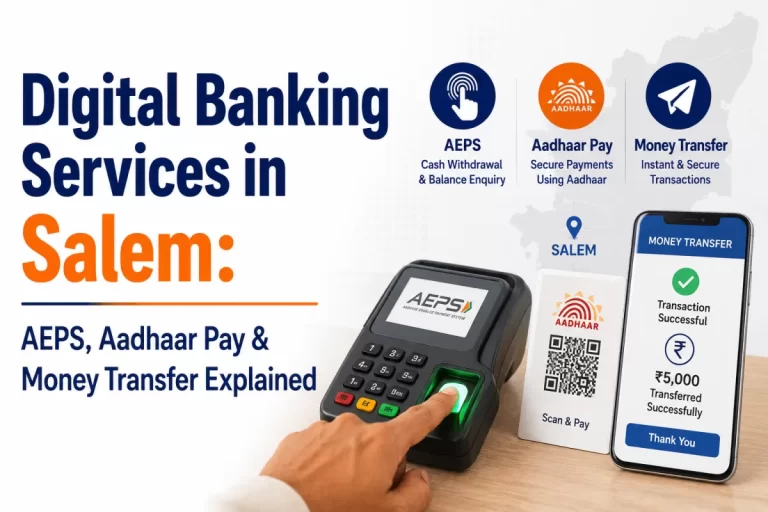
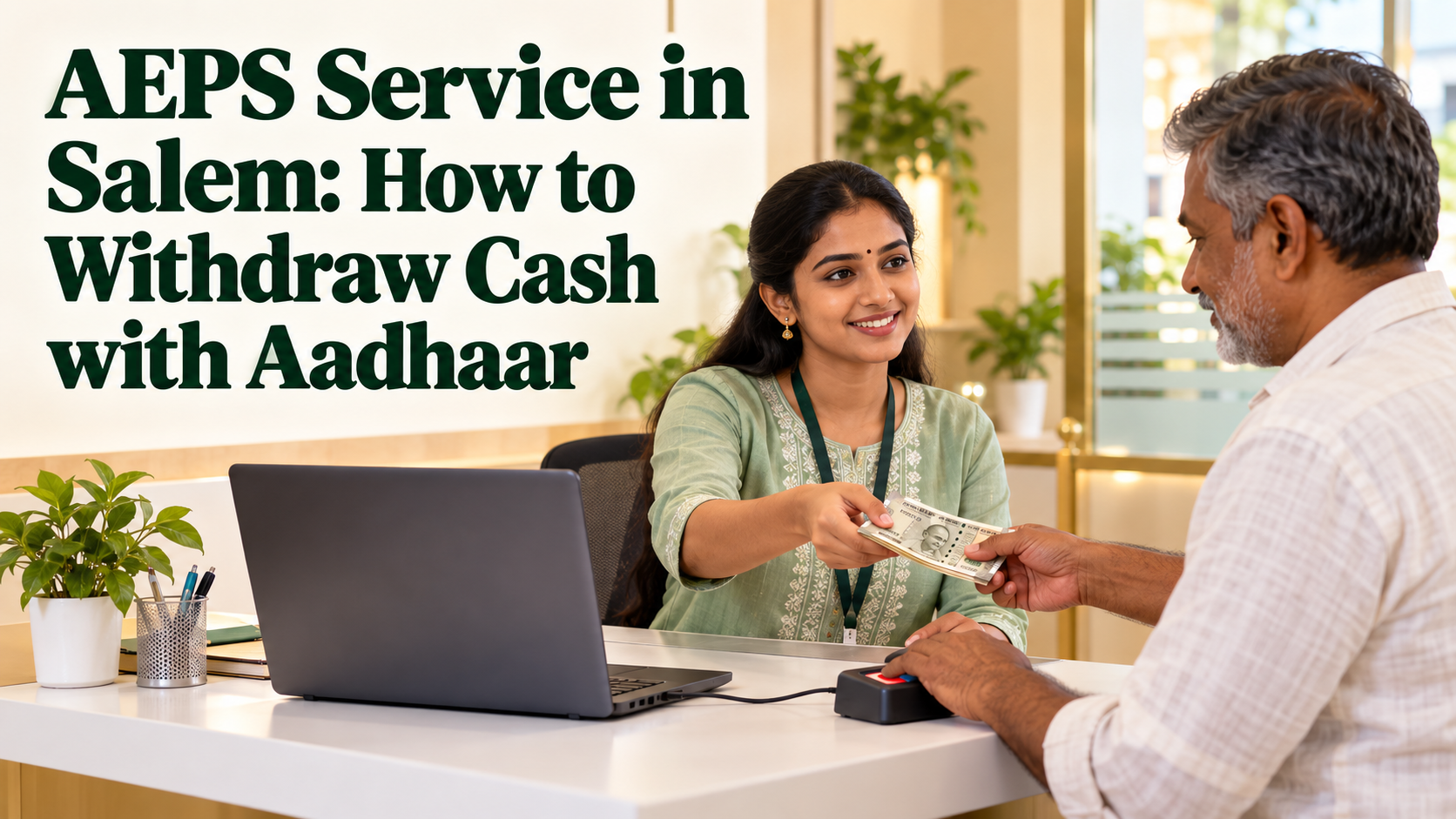
The AEPS service in Salem lets you withdraw cash from your bank account using just your Aadhaar number and your fingerprint. You do not need a debit card, a PIN or a trip to the bank branch. A nearby shop or banking point with an AEPS setup can hand you the cash in a few minutes.
This guide walks you through an Aadhaar cash withdrawal from start to finish. It covers what to check before you leave home, the exact steps at the counter, how to read your receipt, and how to pick a point you can trust. It is written for families, farmers, daily wage workers, homemakers and elderly customers in Salem, Attur, Namakkal, Erode and Mettur.
YoursPay details mentioned here come from the YoursPay website at the time of writing. Services and terms can change, so please confirm the current details before you rely on them.
Table of Contents
What the AEPS Service in Salem Lets You Do
AEPS stands for Aadhaar Enabled Payment System. It is run by the National Payments Corporation of India (NPCI), and your identity is confirmed through Aadhaar authentication, which is managed by the Unique Identification Authority of India (UIDAI). The shop or banking point is only the place where you use it.
The YoursPay AEPS services page lists four things you can do through its retailer and business correspondent network:
- Cash withdrawal from any AEPS-linked bank account, without a debit card
- Balance enquiry to see your available balance
- Mini statement showing your recent transactions
- Fund transfer between Aadhaar-linked accounts, where supported
This article focuses on the first of these, cash withdrawal, because it is the reason most people visit an AEPS point. For a wider comparison of AEPS and Aadhaar Pay, see our AEPS and Aadhaar Pay guide.
Check These Things Before You Leave Home
Most failed attempts happen because of something that could have been checked at home. Spend two minutes on this list and your Aadhaar cash withdrawal is far more likely to work the first time.
- Your Aadhaar is linked to your bank account: AEPS works only if the bank has linked your Aadhaar to your account. If you are not sure, ask your bank branch or check your passbook entries and bank messages.
- You know your bank’s name: you will have to choose your bank from a list, so know the exact bank name, not just the branch.
- Your mobile number is registered with the bank: this is how you receive the debit SMS that confirms the withdrawal.
- Your biometrics are not locked: if you have locked your Aadhaar biometrics for safety, you will need to unlock them before the transaction, as explained on the UIDAI website.
- You have enough balance: if you are unsure, you can do a balance enquiry at the counter before withdrawing.
Carry your Aadhaar card or a copy for your own reference so you can read out the number correctly. You do not need to hand it over or leave a copy at the shop.
How to Withdraw Cash with Aadhaar, Step by Step
The screens differ a little between apps, but the AEPS service follows the same basic steps at almost every counter. Here is what to expect.
- Tell the operator you want a cash withdrawal and say the amount you need.
- Give your Aadhaar number: read it out or type it yourself if the operator offers the phone. Check the number on the screen before moving on.
- Choose your bank: the operator selects your bank from the list. Confirm that it is the bank where your Aadhaar-linked account is held.
- Check the amount: look at the amount typed on the screen and make sure it matches what you asked for.
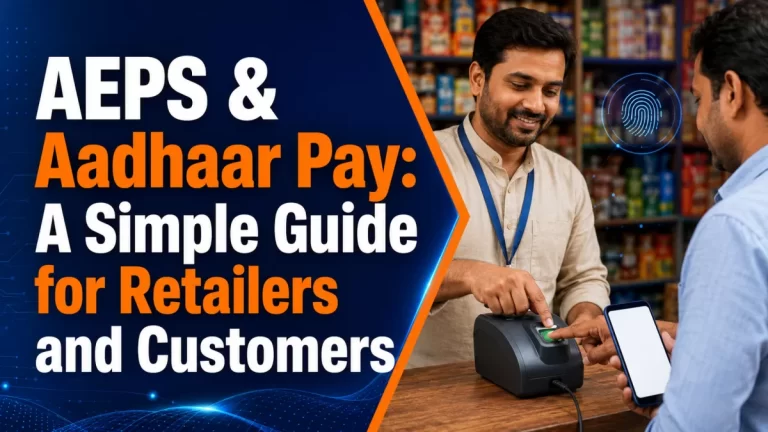
- Place your finger on the scanner: keep your finger clean, dry, flat and still until the device beeps or the screen moves on.
- Collect cash and receipt: once the screen shows success, the operator hands you the cash. Count it at the counter and ask for the receipt.
Within a short time you should also receive an SMS from your bank showing the debit. Keep that message until you have checked it against your cash and receipt. If the screen shows a failure, do not agree to try again several times in a row without first checking whether money was debited.
Reading Your AEPS Receipt and Bank SMS
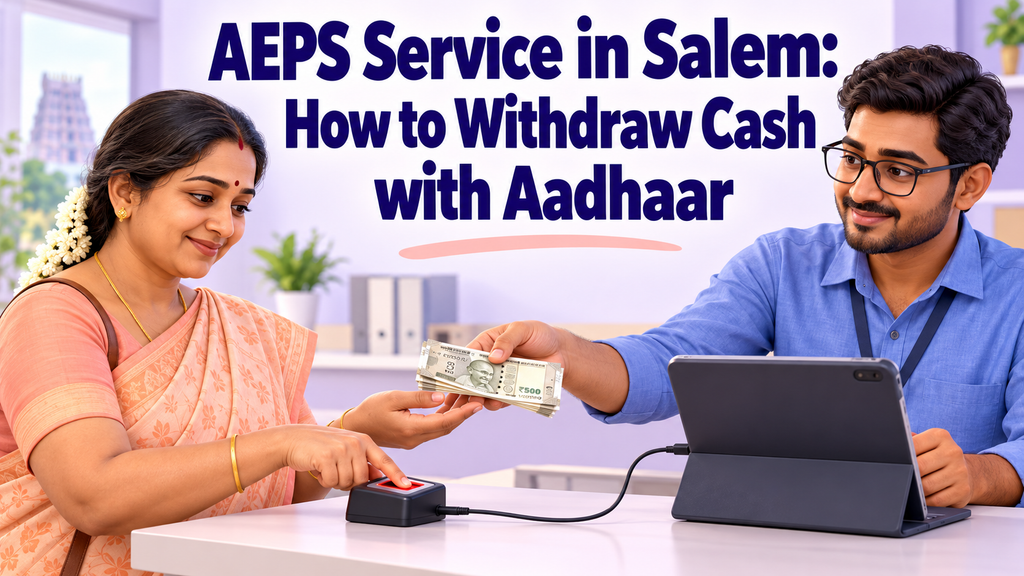
The receipt is your proof of the transaction. Whether it is printed or sent by SMS, take a moment to read it before you leave the counter. A typical AEPS receipt shows:
- Date and time of the transaction
- Your bank name and a masked Aadhaar number, with only a few digits visible
- Transaction type, such as cash withdrawal
- Amount withdrawn
- Status, such as success or failed
- A reference number, often called the RRN or transaction ID
- Sometimes your remaining balance
The reference number matters most. If anything goes wrong later, your bank will ask for it. Take a photo of the receipt on your phone or keep the paper in a safe place. Our guide on how to read a payment receipt explains the common fields in more detail.
Match three things before walking away: the amount on the receipt, the cash in your hand and the amount in your bank SMS. If all three agree, your Aadhaar cash withdrawal is complete.
AEPS, ATM or Bank Branch: Which Is Easier for You?
The AEPS service is not the only way to take out cash. Each option has its place, and the right one depends on where you live, what you carry and how comfortable you are with cards and PINs.
| Option | What you need | Where it helps most |
|---|---|---|
| AEPS point | Aadhaar number, linked bank account and fingerprint | Villages and neighbourhoods far from an ATM or branch, and for people without a card |
| ATM | Debit card and PIN | Larger towns with working ATMs nearby, for people comfortable with cards |
| Bank branch | Passbook or withdrawal slip, and branch timings | Larger withdrawals, account updates and problems that need staff help |
Many families in Salem district use all three. They visit the branch for account work, use an ATM in town, and rely on the AEPS service at a village shop for everyday cash. Our article on digital banking in rural India looks at how these options work together outside the big cities.
Choosing an AEPS Point You Can Trust
An AEPS service point handles your bank account, so it is worth choosing one carefully. Most operators are honest shopkeepers, and a few simple signs help you recognise a well-run counter.
- The screen is visible to you: a good operator lets you see the Aadhaar number, bank name and amount before you give your fingerprint.
- A receipt is always given: printed or by SMS, without you having to insist.
- Cash is counted in front of you: the operator counts the notes openly and lets you count again.
- No copies are kept: the operator does not ask to keep a photocopy of your Aadhaar or write your number in a book.
- One fingerprint per transaction: you are never asked to scan your finger again “because the machine needs it” after a successful withdrawal.
- Charges are explained upfront: if the shop charges anything, it should say so before the transaction.
If a counter does not meet these basics, go elsewhere. Your fingerprint approves a payment from your account, so treat it with the same care as a signature on a cheque.
If You Have More Than One Bank Account
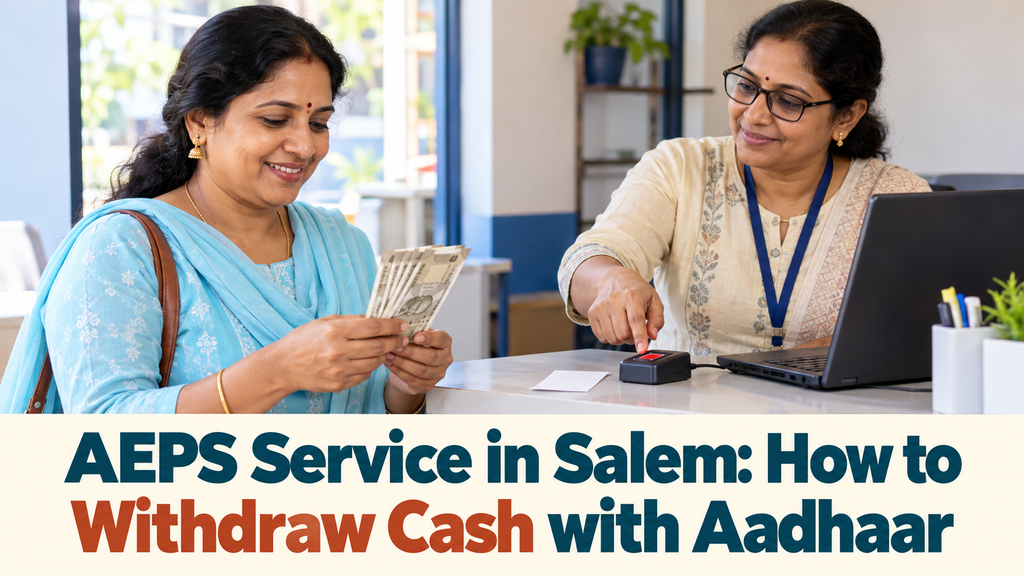
Many people have accounts in two or more banks, for example a savings account for wages and another opened for a government scheme. With the AEPS service, you choose which bank to withdraw from by selecting that bank on the screen.
Keep these points in mind:
- Each bank must have your Aadhaar linked: linking at one bank does not link your accounts at other banks.
- Two accounts in the same bank: if you hold more than one account in the same bank, ask the branch which account is used for Aadhaar-based transactions.
- Check the bank SMS: the debit message tells you which account the money came from.
- Keep a simple note: write down which bank you use for AEPS so family members who help you can pick the right one.
If you want to open an account that you can later use this way, the YoursPay savings account page explains the options on offer at the time of writing.
When a Withdrawal Does Not Go to Plan
Occasionally the network drops or the bank does not respond, and the counter shows a failed or unclear status. Stay calm. Money is not lost just because the screen showed an error.
- Do not repeat the withdrawal straight away. Ask the operator to check the transaction status first.
- Keep the receipt or note the reference number, date, time and amount.
- Check your bank SMS or ask for a balance enquiry to see whether money left your account.
- If your account was debited but you did not get cash, contact your bank with the reference number.
Banks usually reverse a failed debit automatically after checking it. If a problem is not resolved by your bank, the Reserve Bank of India explains how to raise a complaint through its official channels.
Common Myths About Aadhaar Cash Withdrawal
People who have never used AEPS often hear half-true stories from neighbours. Clearing up these myths helps you decide whether an Aadhaar cash withdrawal suits you.
- “The shop can take money from my account any time.” No. Each withdrawal needs your own fingerprint at that moment. Without your live fingerprint, the transaction cannot be approved.
- “I need a smartphone to use it.” No. The operator uses their own phone and scanner. You only bring your Aadhaar number and your finger.
- “It works only with one bank.” No. The AEPS service works across banks that support it, provided your Aadhaar is linked to your account.
- “If the screen shows an error, my money is gone.” Not usually. A failed transaction that still debits your account is normally reversed by the bank after checking, which is why the receipt matters.
If you hear a claim that sounds worrying, ask your bank branch directly. Bank staff can confirm whether your account is linked and whether AEPS is active on it.
Planning Cash Needs with the AEPS Service
Because an AEPS point may be just a short walk away, it is easy to withdraw small amounts whenever you need them. That convenience works best with a little planning.
- Withdraw what you need for the week: carrying less cash at home and on the road reduces the risk of loss or theft.
- Keep a small withdrawal notebook: write the date, amount and reference number of each Aadhaar cash withdrawal, so you can match it with your passbook later.
- Check the balance first: a quick balance enquiry before a larger withdrawal avoids a declined transaction.
- Update your passbook now and then: visit the branch occasionally so your printed record stays complete.
Say a family in a village near Attur receives wages into a bank account every week. Instead of a bus trip into town, one member can withdraw the week’s grocery money at a nearby AEPS point and note it in the family book. This is only an example, but it shows how the service can save time and travel.
Tips for Elderly Users and First-Time Customers
The AEPS service is especially useful for older family members who no longer use a debit card. A little preparation makes their visit easier and safer.
- Go with someone you trust for the first few visits, but let the account holder give their own fingerprint.
- Visit at a quieter time of day, so the operator can take things slowly.
- Warm and dry hands help the scanner read older fingerprints, which can be faint.
- Keep cash secure in an inner pocket or bag before leaving the shop.
- Never share an OTP with anyone who calls about your bank account or Aadhaar. A cash withdrawal at the counter does not need you to read out an OTP to a caller.
If a fingerprint fails repeatedly, the Aadhaar biometric record may need updating at an Aadhaar enrolment or update centre. The UIDAI website explains biometric updates and how to lock or unlock biometrics.
Where to Find the AEPS Service with YoursPay
YoursPay offers the AEPS service in Salem through its retailer and business correspondent network. Its AEPS page says customers can withdraw cash, check balance and view mini statements at touchpoints across Tamil Nadu, and that the service is available at every BC point.
To find a point near you, or to ask about a specific village or town, you can:
- Call YoursPay on +91 98945 76238
- Message on WhatsApp at +91 87543 76347 or +91 80158 98936
- Email info@yourspay.in
- Visit the branch at Second Floor, Raj Complex, 21, Yercaud Main Road, Hasthampatti, Salem, from Monday to Saturday, 9:30 AM to 6:00 PM
For official information on how AEPS works across banks, the NPCI website has a section on the Aadhaar Enabled Payment System.
Frequently Asked Questions
What is the AEPS service in Salem?
It is a way to use your bank account at a nearby shop or banking point using your Aadhaar number and fingerprint. You can withdraw cash, check your balance and see a mini statement without a debit card or PIN.
Do I need a debit card or PIN for an Aadhaar cash withdrawal?
No. You need your Aadhaar number, a bank account linked to Aadhaar and your fingerprint. The operator provides the phone and fingerprint scanner.
How much cash can I withdraw through the AEPS service?
Withdrawal limits exist, but they are set by NPCI and your bank and can change. Ask your bank or the AEPS operator for the current limit before a large withdrawal.
Can I use the AEPS service with any bank?
You can withdraw from any bank that supports AEPS, as long as your Aadhaar is linked to your account in that bank. Choose the correct bank on the screen.
What if my fingerprint is not accepted?
Clean and dry your finger and try again, or try another finger. If it keeps failing, check whether your biometrics are locked and consider a biometric update at an Aadhaar centre.
Is my Aadhaar number safe at the counter?
A careful operator only enters your number for the transaction and does not keep copies. Always check the screen, take your receipt and never share an OTP with anyone.
Need cash close to home? Visit the AEPS services page to request a call back, or contact YoursPay to find the nearest point in Salem and nearby towns.
This article is general information, not financial advice. Service details are taken from the YoursPay website at the time of writing and may change. AEPS availability and limits depend on your bank and the payment network. Please confirm current terms before you transact.