Aadhaar Pay Service in Salem: How Shops Accept Payment with a Fingerprint
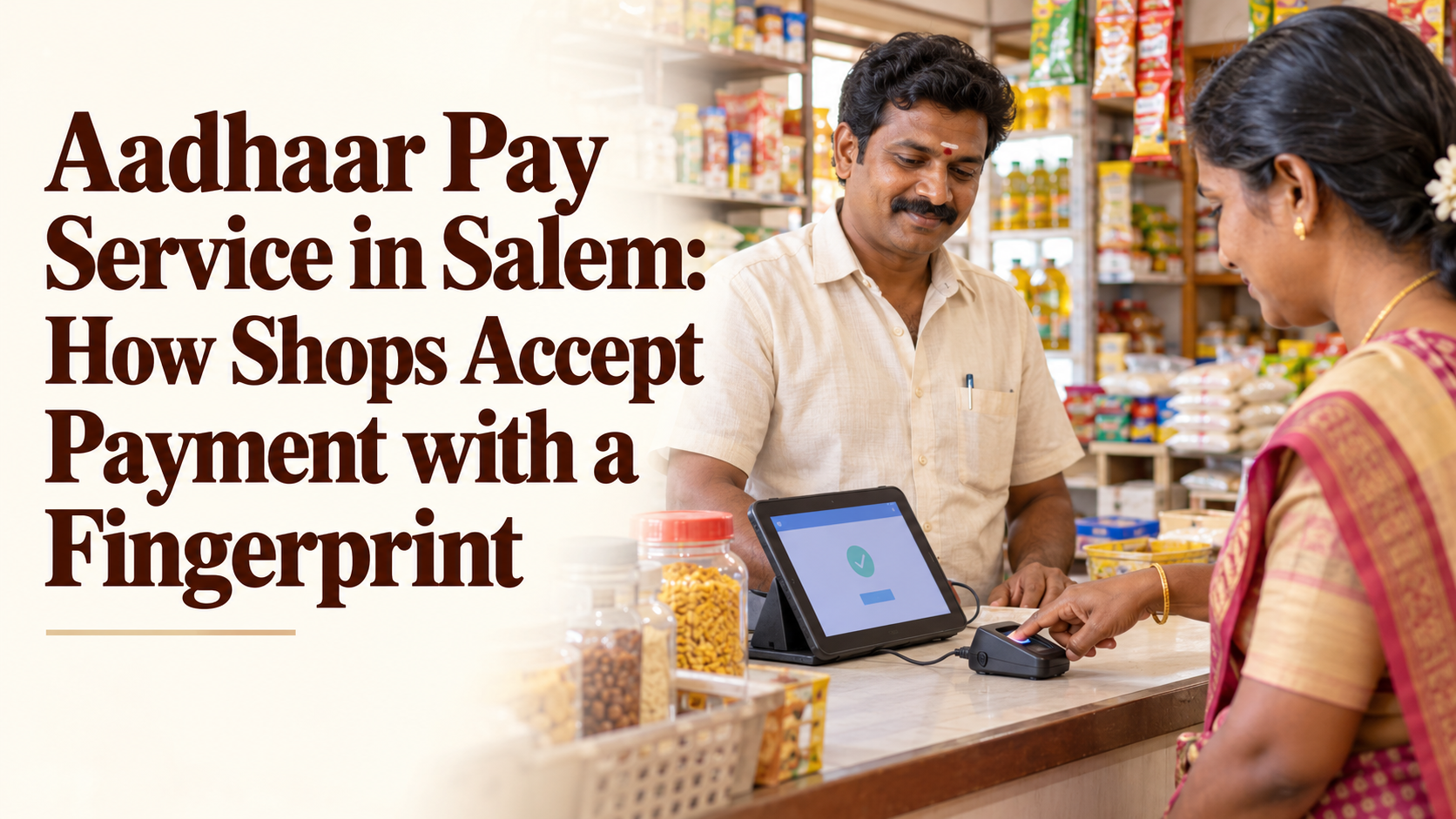
The Aadhaar Pay service in Salem lets a shop accept payment straight from a customer’s bank account using only the customer’s Aadhaar number and a fingerprint. There is no card to swipe, no PIN to remember and no smartphone needed on the customer’s side, which makes it a practical option for many counters in and around Salem.
This guide looks at Aadhaar Pay from the shop owner’s side of the counter. It explains how a fingerprint payment moves from the customer’s account to yours, what each side needs, where it fits alongside cash and UPI, and the small habits that keep every sale smooth and trusted.
It is written for kirana stores, medical shops, fertiliser and seed shops, tailoring units, service centres and small traders in Salem, Attur, Namakkal, Erode, Mettur and the villages around them. YoursPay details quoted below are taken from the YoursPay website at the time of writing, so please confirm the current terms before you start.
Table of Contents
What the Aadhaar Pay Service in Salem Means for a Shop
Aadhaar Pay is a merchant payment method built on the Aadhaar Enabled Payment System, which is run by the National Payments Corporation of India (NPCI). The customer’s identity is confirmed through Aadhaar authentication, which is handled by the Unique Identification Authority of India (UIDAI). Your shop simply acts as the point where the payment is started.
The YoursPay Aadhaar Pay service page describes it as a merchant-facing service that lets customers pay directly from their bank account with their Aadhaar number and biometric authentication. The page lists features such as instant payment confirmation, no card swipe or PIN, and biometric authentication for every transaction.
For a shop owner, the practical meaning is simple. A customer who has a bank account linked to Aadhaar, but who does not carry a card or use UPI, can still pay you digitally. The money moves from their account, and you get a confirmation on screen instead of counting notes and hunting for change.
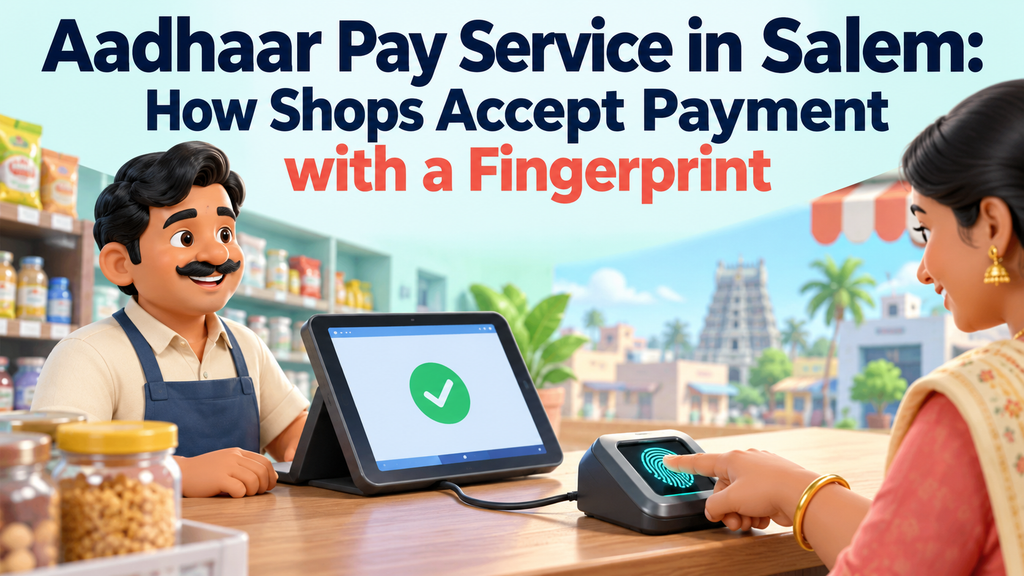
How a Fingerprint Payment Works at Your Counter
A fingerprint payment takes only a short time once your staff are used to it. The exact screens depend on the app you use, but the flow at most counters follows the same pattern.
- Agree the amount: tell the customer the bill total clearly before you start, and show it on the screen if you can.
- Open Aadhaar Pay: choose the Aadhaar Pay or merchant payment option in the retailer app on your Android phone or terminal.
- Enter the Aadhaar number: the customer reads out or types their Aadhaar number, or you enter it carefully from what they tell you.
- Select the customer’s bank: ask which bank account they want to pay from and pick that bank from the list.
- Enter the amount: type the bill amount and check it once more with the customer.
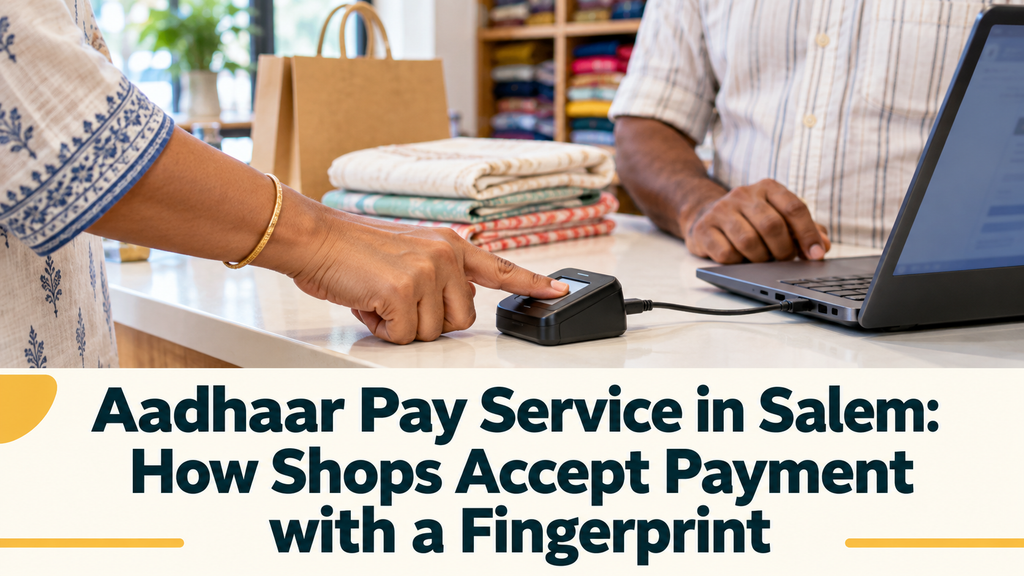
- Capture the fingerprint: the customer places a finger on the biometric reader connected to your phone or terminal.
- Wait for confirmation: the app shows whether the payment succeeded, and the customer usually receives a debit SMS from their bank.
Only after you see a clear success message should you hand over the goods or close the bill. If the screen shows a failure or an unclear status, do not ask the customer to pay again straight away. Note the reference number first and check the status, which we cover later in this guide.
What the Customer Needs for a Fingerprint Payment
One reason the Aadhaar Pay service works well in small towns is that the customer needs very little. Even so, a few conditions must be met, and knowing them helps you explain a declined payment politely.
- An Aadhaar number: the customer should know their number or carry their Aadhaar card or a copy for reference.
- A bank account linked to Aadhaar: the account they want to pay from must be linked to their Aadhaar at their bank.
- A bank that supports the service: the customer’s bank must support Aadhaar based payments on the network.
- Enough balance: the account must have enough money for the bill.
- A readable fingerprint: clean, dry fingers read better. Workers whose fingertips are worn from farm or construction work may need a second try with another finger.
For a fingerprint payment, the customer does not need a debit card, a smartphone, an internet pack or a PIN. That is exactly why this payment method reaches people whom other digital options often miss.
What Your Shop Needs Before the First Sale
On the shop side, the setup for the Aadhaar Pay service is modest. The YoursPay page notes that Aadhaar Pay works on a basic Android phone with a low-cost biometric reader, and that onboarding for retailers is simple. You will usually need:
- An Android smartphone or supported terminal with a stable data connection
- A certified biometric fingerprint reader that works with the retailer app
- A retailer or merchant login from your service provider after KYC
- A bank account where your settlements are received
- A clean, well-lit spot on the counter where customers can place their finger comfortably
Ask your provider which reader models are supported before you buy one, and keep the reader’s driver or service app updated. A reader that is not supported, or not registered correctly, is one of the most common reasons a new counter struggles in its first week.
Where Aadhaar Pay Fits Among Your Payment Options
Most shops in Salem already take cash and UPI, and some have a card machine. The Aadhaar Pay service does not replace these. The YoursPay page itself says it works alongside QR, UPI and POS. Think of it as one more door into your shop for customers who cannot use the others.
| Payment method | What the customer needs | How you confirm the payment |
|---|---|---|
| Cash | Notes and coins | Counting and checking the notes yourself |
| UPI QR | A smartphone with a UPI app and a PIN | App notification or a voice alert on a sound box |
| Card on POS | A debit or credit card and usually a PIN | Charge slip from the POS terminal |
| Aadhaar Pay | Aadhaar number, linked bank account and fingerprint | Success message and receipt in the retailer app |
If your counter is busy with UPI customers, a voice alert device helps you confirm those payments without looking at your phone. Our article on the UPI sound box for shops explains how that works. Aadhaar Pay then covers the customers who arrive without a smartphone.
Who Uses Fingerprint Payment in Salem and Nearby Towns
The customers who use the Aadhaar Pay service in Salem tend to share one thing: they have a bank account, but not the tools that most digital payments assume. Knowing who they are helps you decide how prominently to offer it.
- Farmers and farm workers: many receive payments into bank accounts but prefer not to carry cards to the fields or the weekly shandy.
- Daily wage earners: workers who keep wages in a bank account and want to avoid a trip to an ATM before shopping.
- Elderly customers: people who find PINs and apps confusing, or who have stopped using a debit card.
- Homemakers with basic phones: customers who use a keypad phone and have never set up UPI.
- Visitors from nearby villages: people who come into Salem, Attur or Mettur for a few purchases and do not want to carry large cash.
Shops that serve these groups heavily, such as agri input shops near market yards, provision stores on village roads and medical shops near government hospitals, often see the most value. A counter in a mostly smartphone-using neighbourhood may use it less, but it still helps on days when UPI servers are slow.
Handling Common Counter Situations Calmly
Most of the time a fingerprint payment goes through without trouble. When one does not, a calm, clear response protects both the sale and the customer’s trust. Here are the situations counters meet most often.
The fingerprint does not read
Ask the customer to wipe and dry the finger, then place it flat and still in the centre of the reader. Try a different finger if the first one fails twice. Clean the reader glass with a soft dry cloth at the start of every day.
The payment is declined by the bank
The customer may have chosen the wrong bank, their account may not be linked to Aadhaar, or the balance may be too low. Politely ask them to check with their bank branch, and offer another payment method for today’s bill.
The status is unclear or pending
If the network drops mid-payment, do not repeat the transaction immediately. Note the reference number, check the transaction report in your app and wait for a final status. Repeating too quickly can lead to a double debit that then takes time to reverse.
Good Counter Habits That Build Customer Trust
A fingerprint payment asks the customer to trust your counter with their Aadhaar number and their bank account. Simple, visible habits show that the trust is well placed and bring customers back.
- Show the amount before the scan: turn the screen towards the customer so they see the exact figure before placing their finger.
- Never store Aadhaar details: do not write Aadhaar numbers in a notebook or keep photocopies behind the counter.
- One scan per payment: explain that each fingerprint approves one payment only, and never ask for extra scans “to test the machine”.
- Give a receipt: print it or share it by SMS so the customer can match it with their bank message.
- Be open about charges: if your shop adds any service charge, state it clearly before the payment and follow your provider’s rules.
Customers talk to each other, especially in smaller towns. A counter known for honest and careful handling of every fingerprint payment often gains customers who were nervous about digital payments before.
Keeping Records and Checking Your Settlements
A fingerprint payment is only complete for your business when the money reaches your settlement account. A short daily routine keeps your records clean and helps you spot any mismatch early.
- At closing time, download or view the day’s Aadhaar Pay transaction report in your app.
- Match the number of successful payments with your bills or sales book.
- Check that the settlement credited to your bank account matches the report for that period.
- List any pending or failed items separately and follow them up with your provider the next working day.
- Keep receipts and reports for each month in one folder, paper or digital.
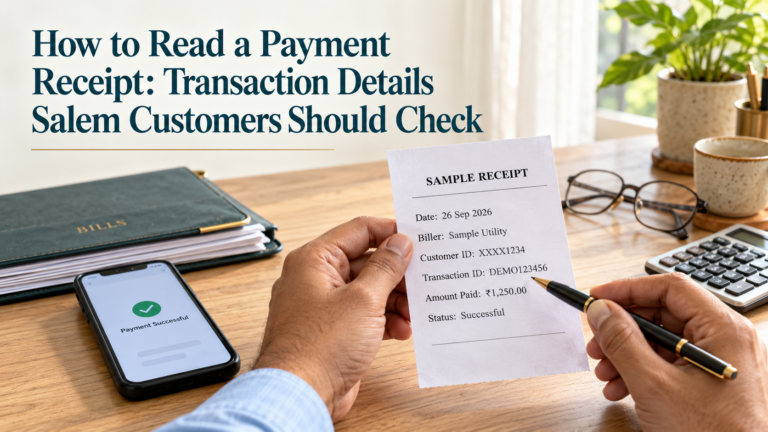
Keeping shop takings apart from household money makes this far easier. Our guide on how to separate business and personal finances offers simple ways to do that. If your staff are unsure what each line on a slip means, the guide on how to read a payment receipt is a useful training aid.
How Aadhaar Pay Can Support Your Shop’s Business
The YoursPay page presents Aadhaar Pay as retailer friendly, with the chance to add a fresh income stream to your shop. Any earnings depend on how many customers use the service at your counter and on the provider’s current terms, so treat it as a possible benefit rather than a fixed figure.
Beyond direct earnings, there are practical gains to weigh:
- Fewer lost sales: customers who arrive without enough cash can still complete their purchase.
- Less cash handling: fewer notes to count, store and carry to the bank at the end of the day.
- Wider reach: a counter that accepts fingerprint payment can serve customers who avoid shops that only take UPI.
- A step into digital banking: many retailers later add AEPS cash withdrawal and other services from the same setup.
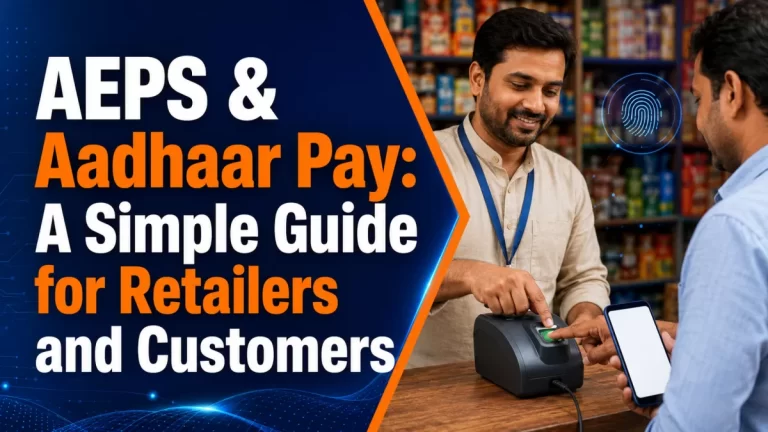
If you are curious about how Aadhaar Pay relates to AEPS cash withdrawals, our AEPS and Aadhaar Pay guide explains the two services side by side.
Getting Started with YoursPay in Salem
If you want to offer the Aadhaar Pay service in Salem or in nearby towns such as Attur or Mettur, the first step is a conversation about your shop, your customers and the setup you already have. Keep these points ready when you speak to the team:
- Your shop name, address and type of business
- Your KYC documents, as asked for by the team
- The phone you plan to use and whether you already own a biometric reader
- The bank account where you want settlements
- A rough idea of how many customers ask to pay without cash or UPI
YoursPay is based at Second Floor, Raj Complex, 21, Yercaud Main Road, Hasthampatti, Salem, and the contact page lists branch hours as Monday to Saturday, 9:30 AM to 6:00 PM, at the time of writing. You can also compare the other options on the digital banking services page, which covers AEPS, money transfer and PAN services too.
For official background on the payment systems, the NPCI website describes the Aadhaar Enabled Payment System, and the UIDAI website explains Aadhaar authentication and the options Aadhaar holders have to protect their biometrics.
Frequently Asked Questions
What is the Aadhaar Pay service in Salem?
It is a way for shops to accept payment directly from a customer’s Aadhaar-linked bank account. The customer gives their Aadhaar number, chooses their bank and approves the payment with a fingerprint on the shop’s biometric reader.
Does the customer need a smartphone or card?
No. The customer needs only their Aadhaar number, a bank account linked to Aadhaar with enough balance, and a readable fingerprint. The shop provides the phone and biometric reader.
Can a customer pay from any bank?
The customer’s bank must support Aadhaar based payments and the account must be linked to Aadhaar. If a payment is declined, the customer should check the link and service status with their own bank.
What should I do if the payment status is unclear?
Do not repeat the payment at once. Note the reference number, check the transaction report in your app and wait for the final status. Contact your service provider if it stays pending.
Can I offer the Aadhaar Pay service alongside UPI and cash?
Yes. The YoursPay page states that Aadhaar Pay works alongside QR, UPI and POS, so you can keep all your existing payment methods and add fingerprint payment for customers who need it.
Is there a limit on how much a customer can pay?
Yes, limits apply to each fingerprint payment and over a period, but they are set by NPCI and the customer’s bank and can change. Your retailer app may also show its own limits. Ask your provider for the current figures and point customers to their bank for account-level limits.
Which areas does YoursPay serve?
YoursPay lists Salem, Attur, Namakkal, Erode and Mettur among the areas it serves, with its head office in Hasthampatti, Salem.
Ready to accept fingerprint payments at your counter? Visit the Aadhaar Pay services page to request a call back, or contact YoursPay on +91 98945 76238 to talk through the setup for your shop.
This article is general information, not financial advice. Service features and terms are taken from the YoursPay website at the time of writing and may change. Aadhaar Pay availability also depends on the customer’s bank and the payment network. Please confirm current terms with YoursPay before you start.