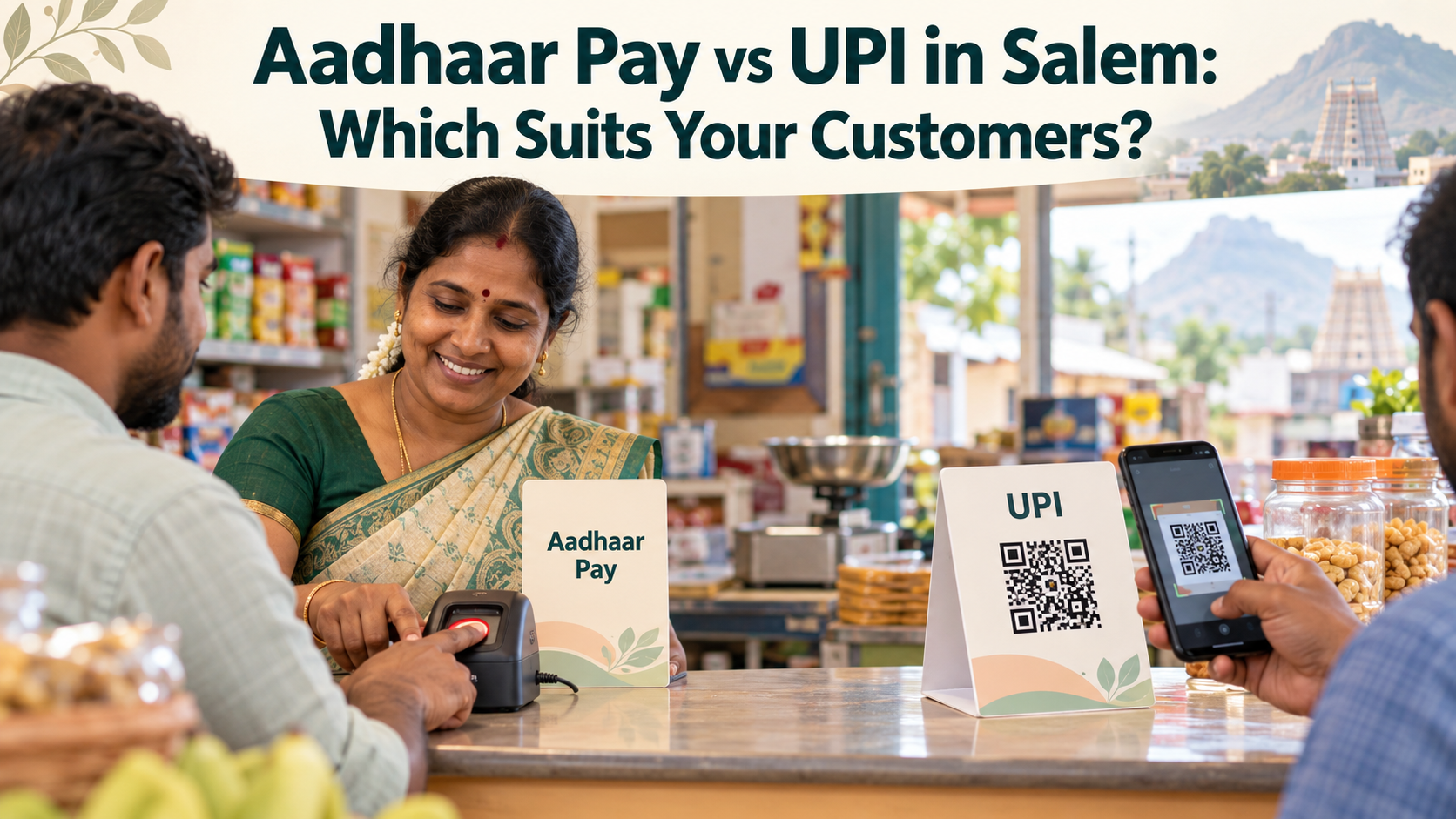
Aadhaar Pay vs UPI in Salem: Which Suits Your Customers?
Aadhaar Pay vs UPI is a question many shop owners in Salem ask once they notice that not every customer pays the same way. Some customers scan a QR code in seconds, while others stand at the counter with a bank account but no smartphone. Choosing well means looking at who walks into your shop, not at which method is newer.
This article compares Aadhaar Pay and UPI from the counter’s point of view. It looks at what each customer needs, how fast each method is in a queue, how you confirm a payment, what can go wrong, and what setup each one asks of you. At the end, a short checklist helps you decide whether one method is enough or whether your shop should offer both.
It is written for kirana stores, medical shops, hardware and fertiliser dealers, tea stalls, tailors and small traders in Salem, Attur, Namakkal, Erode and Mettur. YoursPay details are taken from its website at the time of writing, so please confirm the current terms before you decide.
Table of Contents
Aadhaar Pay vs UPI: The Short Answer
If most of your customers carry smartphones and use apps like GPay, PhonePe, Paytm or BHIM, UPI will handle the bulk of your digital sales. If a good share of your customers have bank accounts but no smartphone, no UPI PIN or no data pack, Aadhaar Pay helps you serve them without falling back on cash.
Both systems are run by the National Payments Corporation of India (NPCI). The difference is in how the customer approves the payment. With UPI, the customer approves it on their own phone with a UPI PIN. With Aadhaar Pay, the customer approves it at your counter with their fingerprint, and Aadhaar authentication is handled by UIDAI.
For most shops in and around Salem, the honest answer is that Aadhaar Pay and UPI are not rivals. They cover different customers, and many counters benefit from having both.
How Each Payment Works at a Salem Counter
Before comparing Aadhaar Pay and UPI, it helps to picture a single sale done each way. The steps below are simplified, and the exact screens depend on the apps involved.
A UPI payment
- You show your shop’s QR code or the customer enters your UPI ID.
- The customer types the amount in their UPI app, or the amount is pre-filled on a dynamic QR.
- The customer enters their UPI PIN on their own phone.
- You receive a notification on your phone or a voice alert on a sound box.
An Aadhaar Pay payment
- You open the Aadhaar Pay option in your retailer app.
- You enter the customer’s Aadhaar number, their bank and the amount.
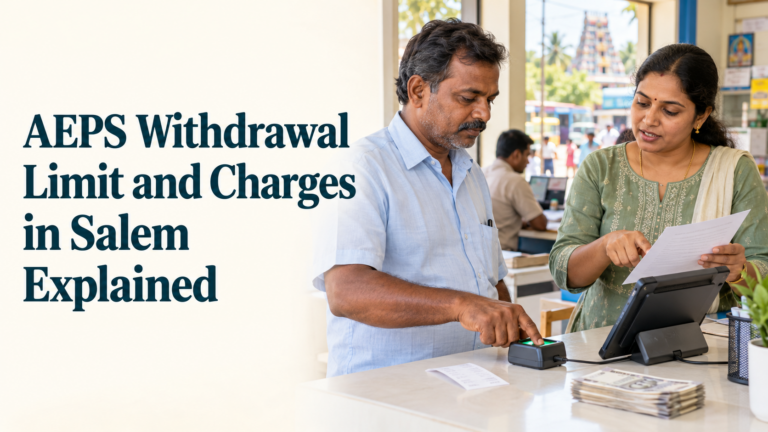
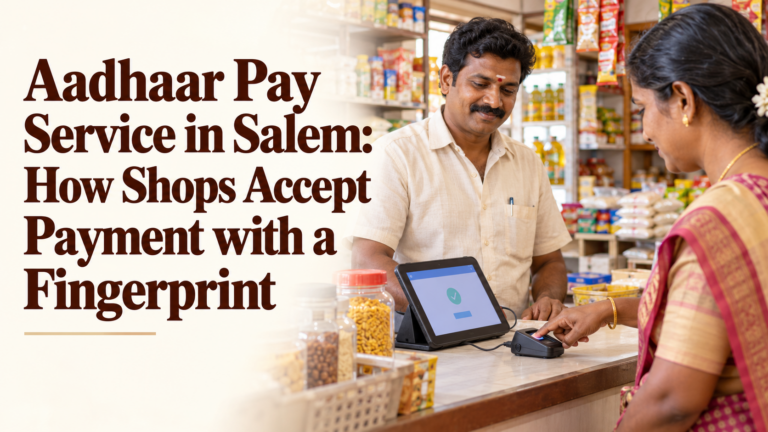
- The customer places a finger on the biometric reader attached to your phone or terminal.
- Your screen shows a success message and a receipt is generated.
Notice where the work happens. UPI depends on the customer’s phone, while Aadhaar Pay depends on your phone and reader. That single difference explains most of the pros and cons below.
Aadhaar Pay vs UPI Side by Side
The table brings the main differences into one view. Use it as a quick reference when training staff or explaining the options to a family member who helps at the shop.
| Point | UPI | Aadhaar Pay |
|---|---|---|
| What the customer needs | Smartphone, UPI app, bank account and UPI PIN | Aadhaar number, Aadhaar-linked bank account and fingerprint |
| How the customer approves | UPI PIN on their own phone | Fingerprint on the shop’s reader |
| What the shop needs | A QR code linked to a bank account, and ideally a sound box | An Android phone or terminal, a supported biometric reader and a retailer login |
| Who needs internet | The customer, and the shop for alerts | Mainly the shop |
| How you confirm | Notification, bank SMS or sound box alert | Success message and receipt on your own screen |
| Common failure points | Customer’s network, app or bank server | Fingerprint reading, bank selection or Aadhaar not linked |
| Best for | Smartphone users and quick, frequent payments | Customers without smartphones, cards or UPI PINs |
In this Aadhaar Pay vs UPI table, neither column is simply better. Each one fits a different kind of customer, which is why the next sections look at your customers first.
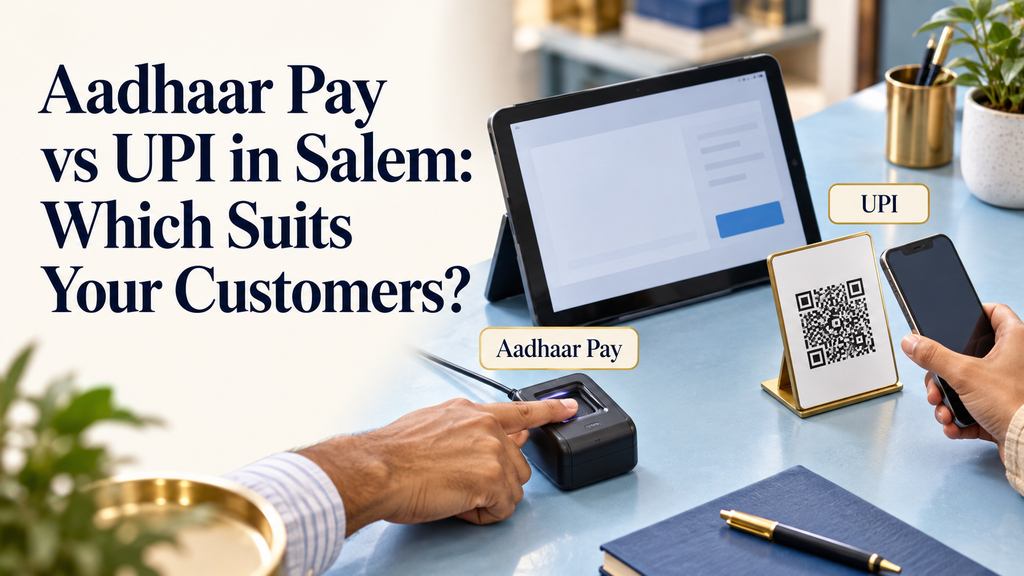
What Your Customers Need to Bring
The biggest difference in the Aadhaar Pay vs UPI comparison is what sits in the customer’s pocket. UPI assumes a smartphone with a working app, a data connection and a PIN the customer remembers. Aadhaar Pay assumes only an Aadhaar number, a linked bank account and a readable fingerprint.
Think about the customers who come in on a typical day:
- Young workers and students usually carry smartphones and prefer UPI.
- Farmers and labourers may carry basic keypad phones or no phone at all while working.
- Elderly customers often have bank accounts for pensions but avoid apps and PINs.
- Homemakers may share one smartphone in the family, so it is not always with them at the shop.
NPCI also offers UPI options designed for feature phones, but they are less common at small counters. For customers with no smartphone, the Aadhaar Pay service is often the simpler route because the shop provides all the equipment.
Speed and Queues at a Busy Counter
At peak hours, a few seconds per customer add up. UPI is usually quicker for regular smartphone users, especially when your QR code is placed where customers can scan it without reaching over the counter.
The Aadhaar Pay service takes a little longer, because you enter the Aadhaar number, bank and amount, and the customer then gives a fingerprint. With practice, staff get faster, but it still involves more steps on your side of the counter.
Some practical ways to keep the line moving:
- Place the UPI QR code at eye level, facing the customer, so scanning does not block the counter.
- Keep the biometric reader in a fixed spot, connected and ready, rather than in a drawer.
- Train one staff member to handle Aadhaar Pay while another serves UPI and cash customers during rush hours.
- Note regular Aadhaar Pay customers’ bank names, with their permission, to avoid asking every time. Never note Aadhaar numbers.
In a comparison of Aadhaar Pay and UPI purely on speed, UPI generally wins. But a slower sale is still better than a lost sale when the customer has no other way to pay.
Confirmation and Fake Payment Risk
For a shop owner, a payment only counts when the money actually reaches the account. Aadhaar Pay and UPI handle this differently, and each has its own risk to watch.
With UPI, the main counter risk is a customer showing a fake or edited payment screenshot, or a “payment pending” screen, and walking off with goods. The safe habit is to trust only your own notification, bank SMS or sound box alert. The YoursPay sound box page describes a device that announces each UPI payment aloud in Tamil or English, which helps against edited screenshots.
With Aadhaar Pay, the confirmation appears on your own screen, because the payment starts from your device. That removes the screenshot problem. The risks here are different: entering the wrong amount, or a customer disputing a payment later. Showing the amount before the fingerprint scan and always giving a receipt protect both sides.
If you ever notice suspicious activity, such as someone trying to misuse another person’s Aadhaar, report it through the national cyber crime portal at cybercrime.gov.in or the helpline 1930.

Privacy: What Each Method Shares at the Counter
Customers sometimes hesitate because they are unsure what information the shop sees. Explaining this simply can make the Aadhaar Pay vs UPI choice easier for them.
- With UPI, the customer usually sees your shop’s name before paying, and you may see the customer’s name or UPI ID in your payment history. The customer’s PIN stays on their own phone.
- With Aadhaar Pay, the customer gives you their Aadhaar number so you can start the payment. The receipt normally shows only a masked number, and the fingerprint is used for authentication, not stored by the shop.
Because the customer shares more at the counter with Aadhaar Pay, your habits matter more. Never write down Aadhaar numbers, never keep photocopies, and turn the screen so the customer can check the details. These small steps make older customers far more comfortable.
Setup, Devices and Running Costs
UPI is easy to start. A static QR code linked to your bank account is enough for basic use. Many shops add a sound box for hands-free confirmation. Our article on the UPI sound box for shops explains how these devices help at busy counters.
The Aadhaar Pay service needs a little more setup. The YoursPay Aadhaar Pay page notes that it works on any basic Android phone with a low-cost biometric reader, with simple onboarding for retailers. You will also complete KYC and receive a retailer login.
When you compare costs, list these items for each method:
- One-time device costs, such as a sound box or biometric reader
- Any rental or subscription charged by the provider
- Data costs for the phone or device
- Time spent on training staff
- Any charges or earnings linked to transactions, as per the provider’s current terms
Ask each provider for these terms in writing. Do not rely on what a neighbouring shop pays, because plans and conditions change.
When Payments Fail: Different Causes, Same Discipline
Aadhaar Pay and UPI both fail sometimes, like every digital payment method. What changes is where the problem usually starts.
- UPI failures often come from the customer’s weak mobile signal, an app problem, a wrong PIN or a slow bank server.
- Aadhaar Pay failures often come from a fingerprint that does not read, the wrong bank being selected, an account not linked to Aadhaar, or locked biometrics.
The discipline is the same for both. Do not hand over goods on an unclear status. Do not ask the customer to pay again until you have checked whether the first attempt went through. Note the reference number and follow up through your app or provider. This avoids double debits and awkward conversations later.
Matching the Method to Your Customer Mix
The right balance of Aadhaar Pay and UPI depends on who your customers are. The examples below are hypothetical, but they show how different shops in the Salem region might think about it.
- A medical shop near a town bus stand: most customers are smartphone users in a hurry, so UPI with a sound box does most of the work. Aadhaar Pay helps elderly patients and relatives from villages.
- A provision store on a village road near Attur: many regular customers are farm workers and older residents. Aadhaar Pay may be used almost as often as UPI.
- A fertiliser and seed shop near a market yard: larger bills and farmers who may not carry phones to the field make Aadhaar Pay useful, while traders pay by UPI.
- A tea stall in a busy Salem street: small, fast payments suit UPI. Aadhaar Pay adds little here unless many customers lack smartphones.
Spend a week noting how customers ask to pay and how many leave because they cannot. That simple count tells you more than any general advice.
Telling Customers Which Methods You Accept
Many customers never ask about Aadhaar Pay because they do not know a shop accepts it. A small, clear sign near the counter solves this. Keep the wording simple, in Tamil and English, for example: “We accept UPI, Aadhaar Pay and cash.”
When a customer says they have no cash and no UPI, offer Aadhaar Pay before they leave. When a customer is unsure, explain in one line that the money comes from their own bank account after their fingerprint. Word of mouth in a street or village spreads quickly once a few customers try it.
Why Many Salem Shops Offer Both
Looking at Aadhaar Pay vs UPI as an either-or choice misses the point. The YoursPay Aadhaar Pay page itself notes that it works alongside QR, UPI and POS. Offering both Aadhaar Pay and UPI has clear advantages:
- No customer is turned away for lack of cash, card or smartphone.
- A backup exists when one system is slow, for example during a UPI server delay.
- Less cash handling means fewer trips to the bank and less risk of counting mistakes.
- A wider customer base can build loyalty among older and rural customers.
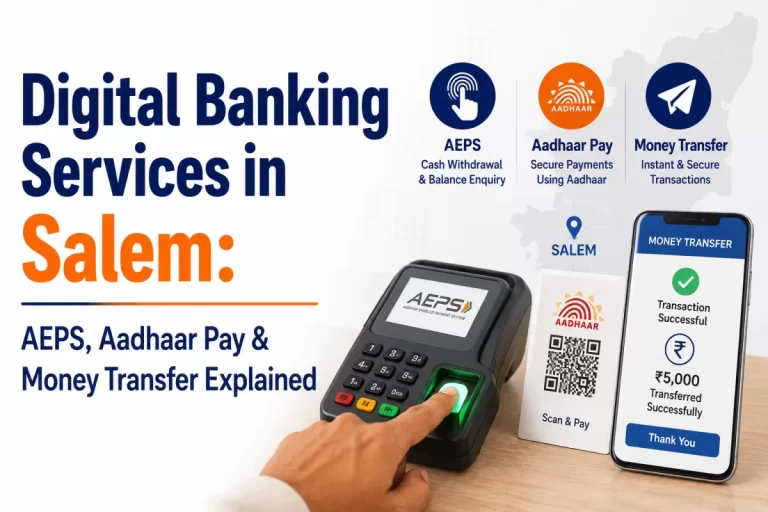
If you already offer UPI, adding the Aadhaar Pay service is mostly a matter of a biometric reader, onboarding and staff training. Our article on digital banking in Salem explains how these services fit into the wider local picture.
A Quick Decision Checklist
Run through these questions before you settle the Aadhaar Pay vs UPI question for your shop. Answer honestly for your own shop, not for the average shop.
- What share of my customers pay by UPI today?
- How many customers ask to pay by card or say they have no cash or phone?
- Do I serve many elderly customers, farmers or daily wage workers?
- Is my counter space enough for a QR display and a biometric reader?
- Do I have a reliable phone and data connection for a retailer app?
- Can I train at least one staff member to handle Aadhaar Pay carefully?
- Have I received the current terms for each service in writing?
If questions two and three point to a real need, adding Aadhaar Pay is worth a conversation. If almost everyone already pays by UPI, focus on a reliable QR and sound box setup first.
For official information on both systems, the NPCI website describes UPI and the Aadhaar Enabled Payment System on which Aadhaar Pay runs.
Frequently Asked Questions
What is the main difference in Aadhaar Pay vs UPI?
UPI is approved by the customer on their own smartphone with a UPI PIN. Aadhaar Pay is approved at the shop with the customer’s fingerprint, using the shop’s phone and biometric reader.
Which is faster at the counter?
UPI is usually quicker for smartphone users. Aadhaar Pay needs more steps on the shop’s side, but it lets you serve customers who cannot use UPI at all.
Can I offer Aadhaar Pay and UPI at the same shop?
Yes. The two work side by side, and the YoursPay Aadhaar Pay page notes that it works alongside QR, UPI and POS.
Which method is safer against fake payment screenshots?
The Aadhaar Pay service shows the result on your own screen, so screenshots are not an issue. For UPI, rely only on your own notification, bank SMS or a sound box alert.
Are there limits on Aadhaar Pay and UPI payments?
Yes, both have limits, but they are set by NPCI and the banks and can change. Check the current limits with your provider and your bank.
Does the customer need internet for the Aadhaar Pay service?
No. The shop’s device needs a data connection, but the customer only needs their Aadhaar number, a linked bank account and a fingerprint.
Want to add fingerprint payments next to your UPI QR? Visit the Aadhaar Pay services page to request a call back, or contact YoursPay to discuss the right setup for your counter.
This article is general information, not financial advice. Service details are taken from the YoursPay website at the time of writing and may change. Payment limits and rules are set by NPCI and banks. Please confirm current terms before you choose a payment setup.